

Open your public page
Open Leaderboards from the left sidebar. When the public page is on, a View public page link appears next to the leaderboard title. Select it to open the page exactly as visitors see it, then copy the address from your browser to share it anywhere — your website, social posts, or a recruiting email.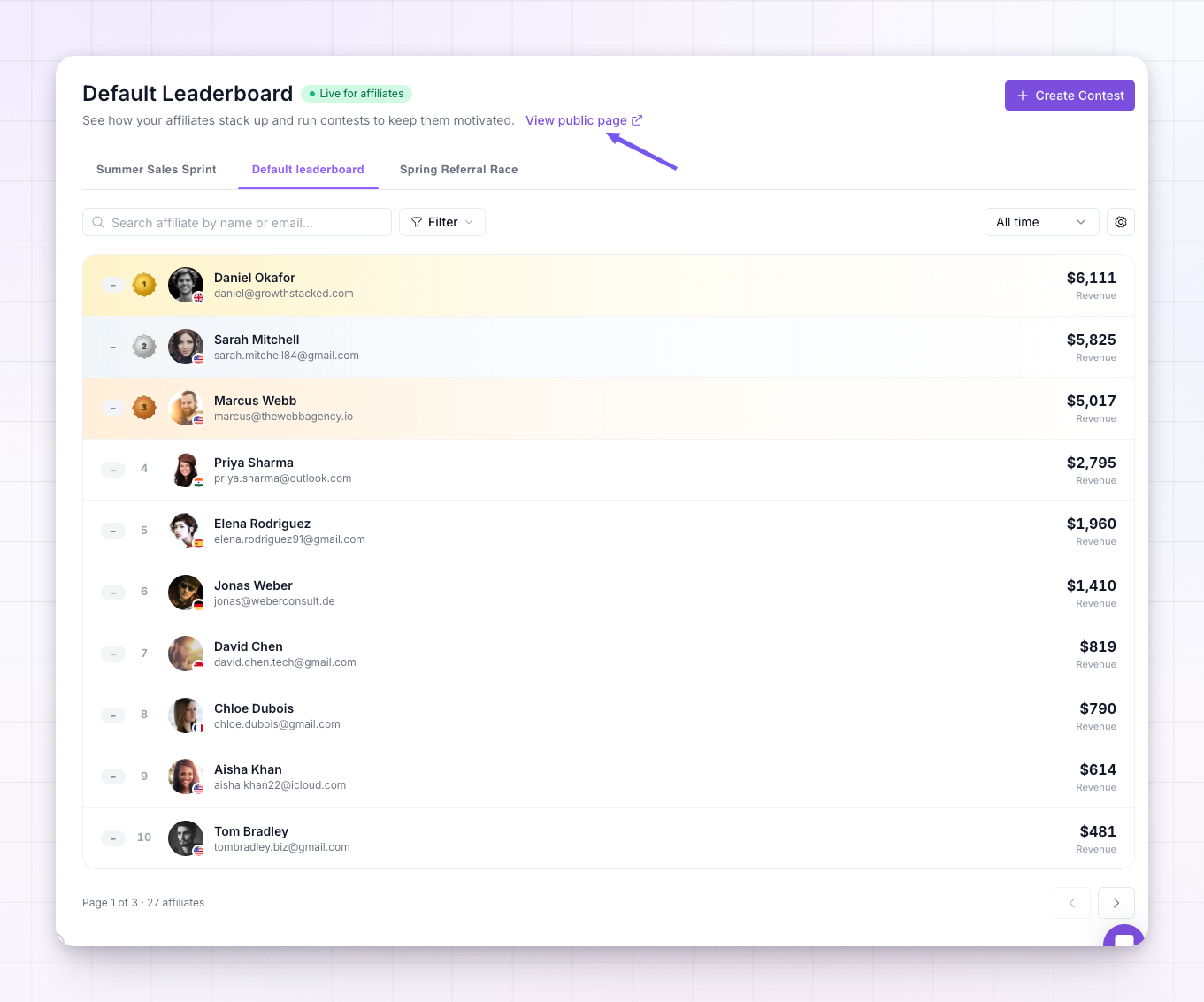
What visitors see
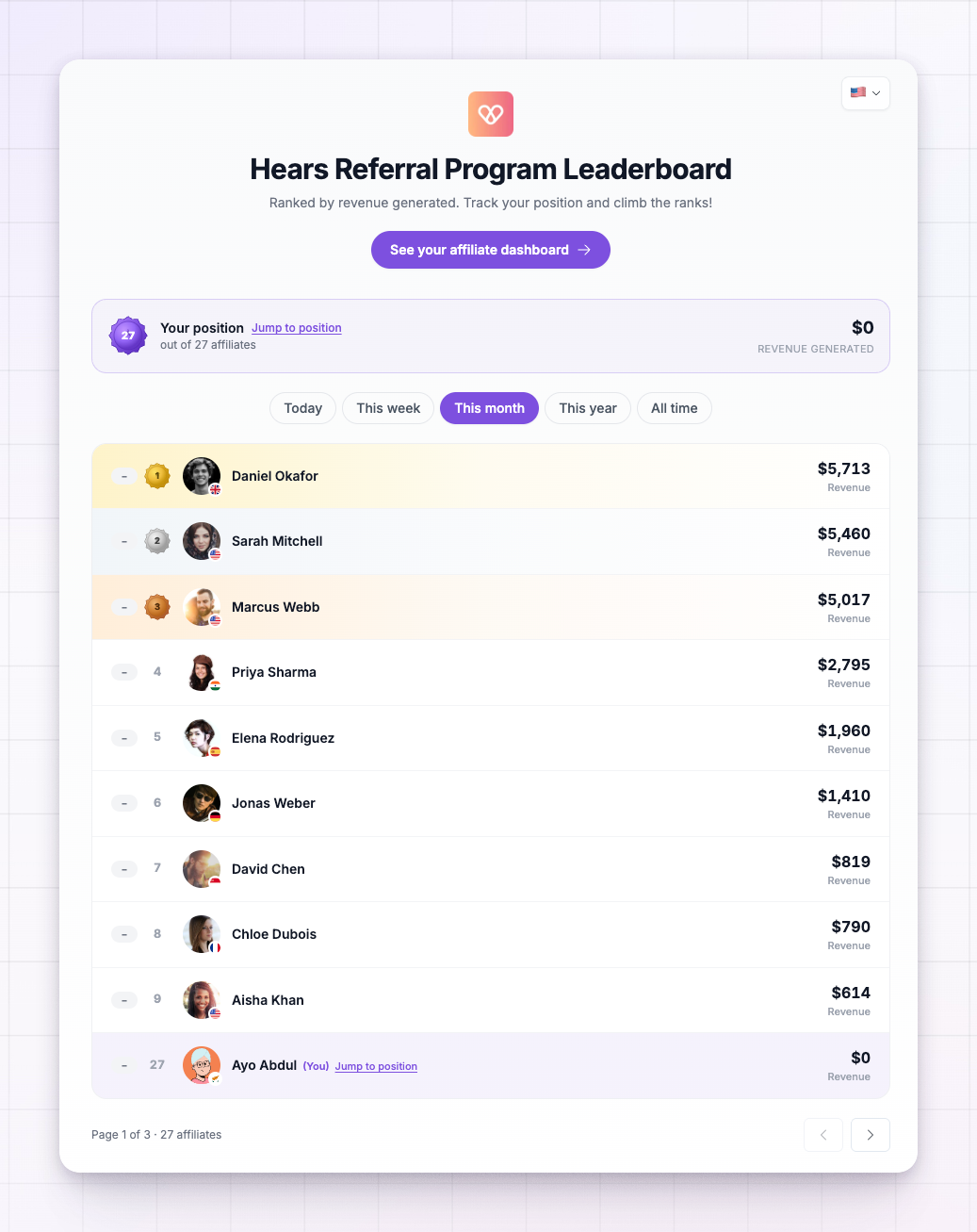
The public page shows your rankings wrapped in your program’s branding — your logo and accent color. Visitors can:- Switch the time window to see today’s, this week’s, or all-time standings.
- Filter the board by country.
- Follow a join link to sign up as an affiliate, so the page doubles as a recruiting tool.
Keep affiliate identities private
By default, the public page masks affiliate names and emails, so visitors see the standings and the metrics without seeing exactly who each affiliate is. This is usually what you want for a page anyone can reach. To change it, open the leaderboard settings from the gear icon in the toolbar and find Hide affiliate info from public leaderboard under Privacy & placement. Turn it off only if you’re confident your affiliates are happy to be named publicly.Turn the public page off
If you’d rather keep your leaderboard inside the portal only, open the leaderboard settings and turn off Show the leaderboard publicly. The public page immediately stops being reachable and the View public page link disappears.Hiding the public leaderboard requires the Gamification add-on or an Enterprise plan. Without it, the public page stays on. See Add-ons.
Related
Leaderboards overview
How the leaderboard works from end to end.
Choose ranking criteria
Pick the metric your public page ranks by.
Let affiliates sign up
Turn public page visitors into affiliates.
Add-ons
Unlock the Gamification features.