

Check whether a program supports teams
Open My Team from the left sidebar of that program’s portal. If the brand has team building turned on, you’ll see your team laid out as a tree with an Invite Affiliate button in the top right. If they haven’t, you’ll see this instead: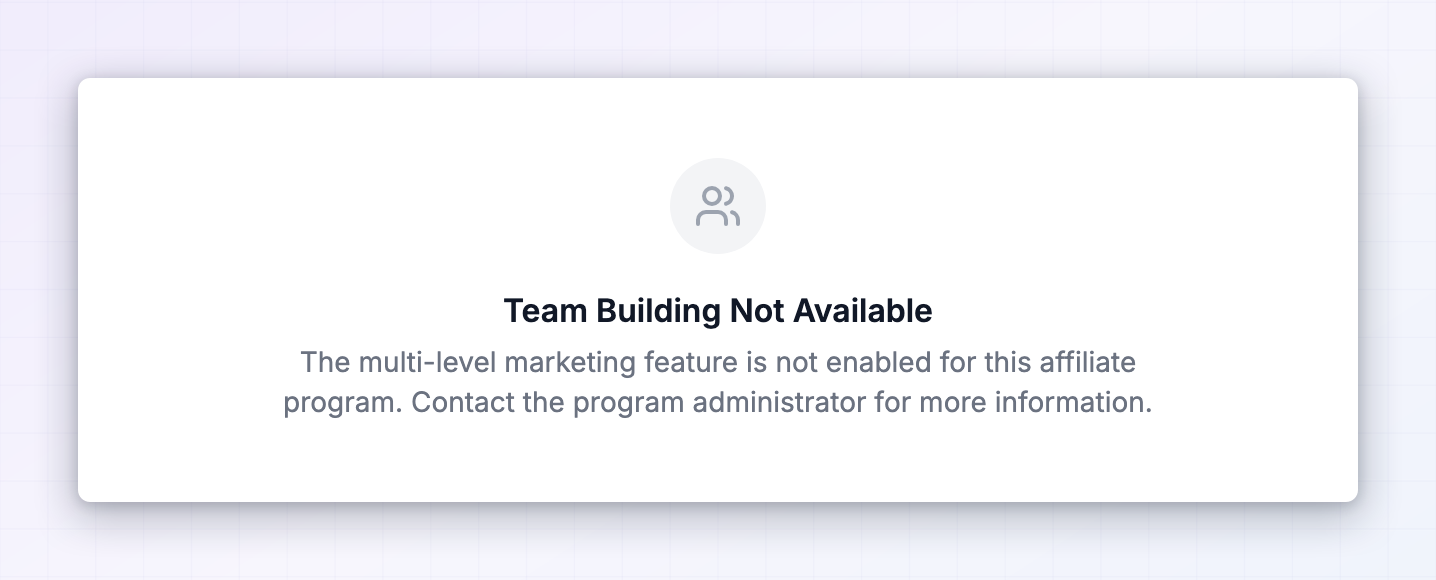 Team Building Not Available means the brand hasn’t enabled multi-level commissions for this program. There’s nothing you can change on your end — if you think the brand would benefit from it, ask their affiliate manager. Every program is separate, so a brand that pays for recruits has no bearing on another one that doesn’t.
Invite affiliates to your team
Select Invite Affiliate in the top right.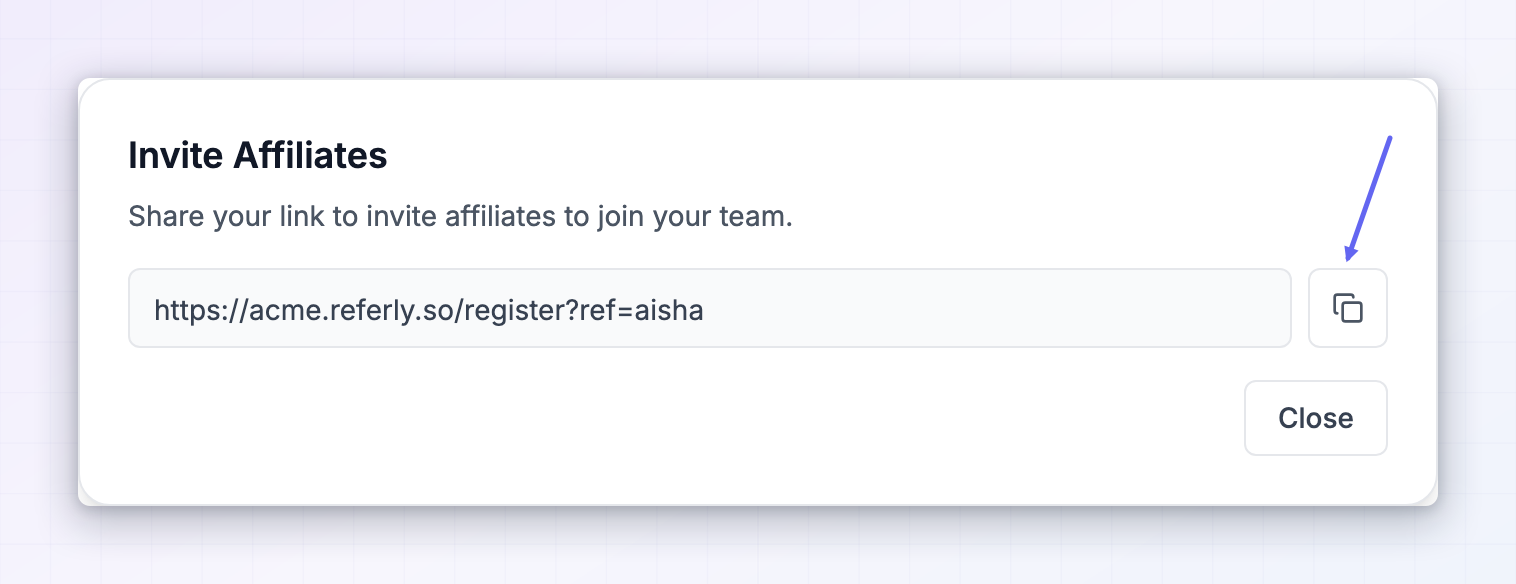 The Invite Affiliates dialog gives you one thing: a recruitment link, already filled in and ready to copy. Select the copy button beside it.
Anyone who signs up to the program through that link is permanently tied to you as their recruiter, and their sales start earning you a share. Send it to people who’d genuinely be good at promoting this brand — other creators in your niche, people in your community, anyone already recommending the product.
One thing to plan around: the connection is made when someone signs up. Somebody who already joined the program on their own can’t be moved onto your team afterwards, so it’s worth reaching out before they sign up rather than after.
The Invite Affiliates dialog gives you one thing: a recruitment link, already filled in and ready to copy. Select the copy button beside it.
Anyone who signs up to the program through that link is permanently tied to you as their recruiter, and their sales start earning you a share. Send it to people who’d genuinely be good at promoting this brand — other creators in your niche, people in your community, anyone already recommending the product.
One thing to plan around: the connection is made when someone signs up. Somebody who already joined the program on their own can’t be moved onto your team afterwards, so it’s worth reaching out before they sign up rather than after.
Read your team tree
The page draws your team as a hierarchy, with connector lines showing who brought in whom.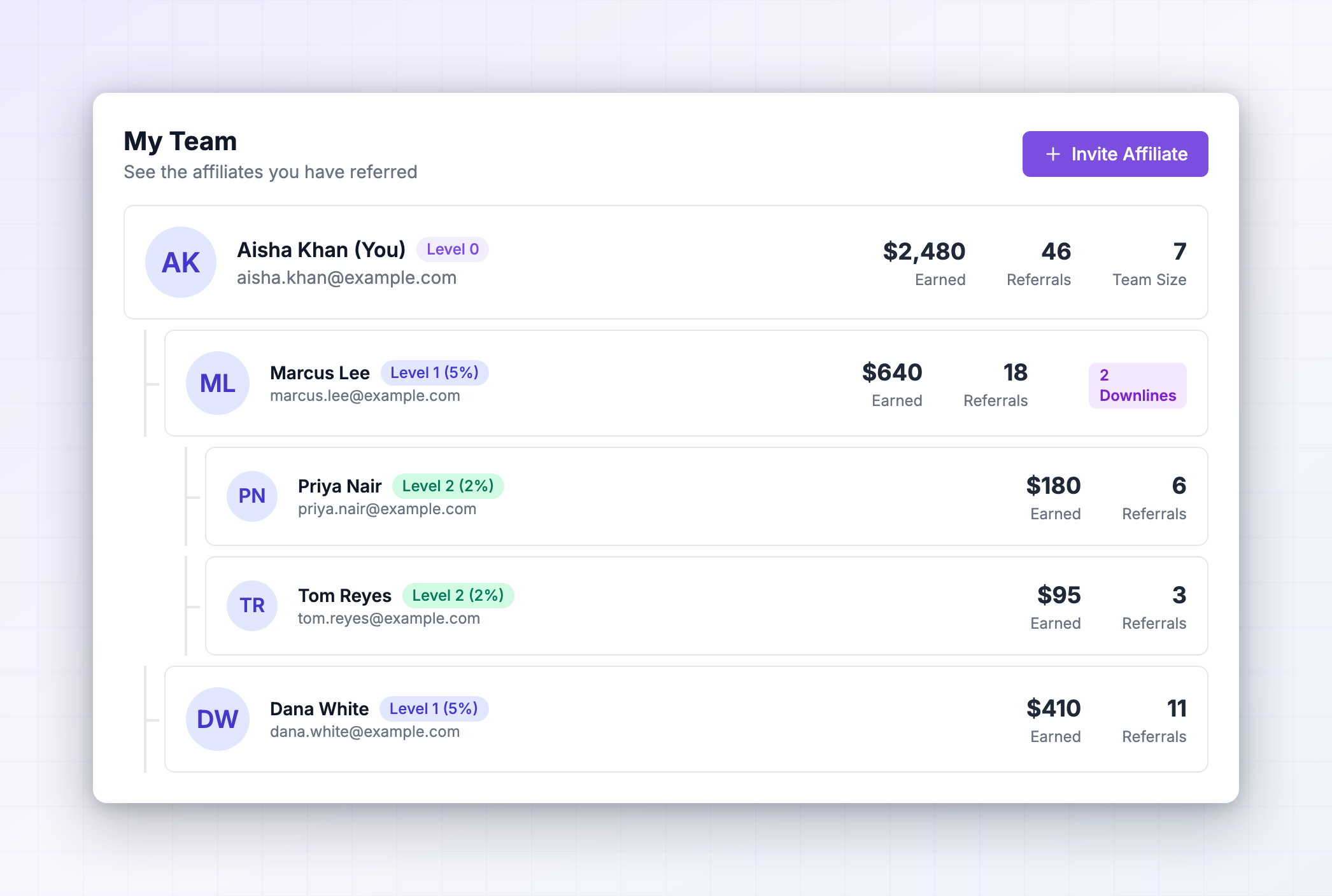
Your own row
You sit at the top, with (You) after your name and a Level 0 badge.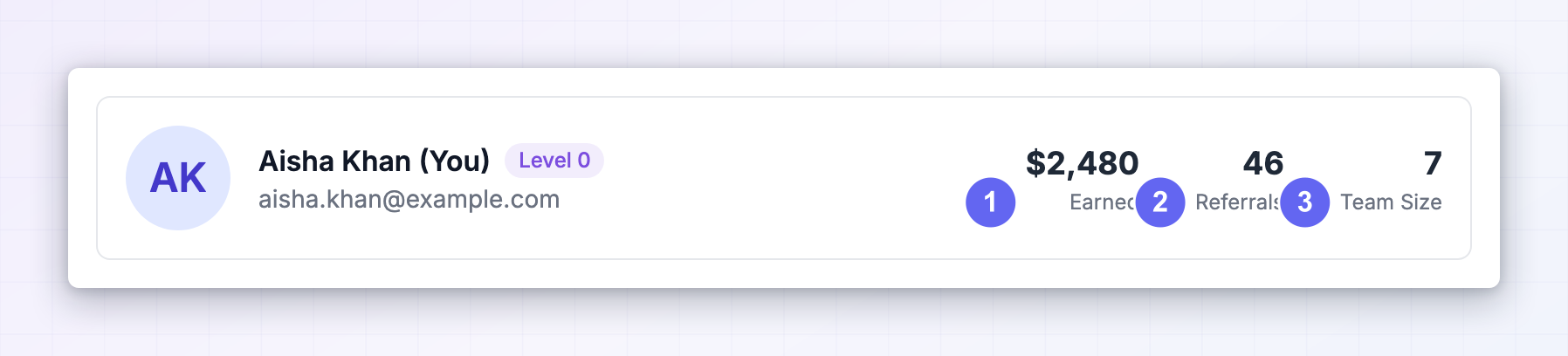 Three figures sit on the right of your row:
Level 1 and Level 2
Below you, indented, are the affiliates you recruited directly. Each carries a Level 1 badge with a percentage in it. Below them, indented further, are the people they recruited, badged Level 2 with their own percentage.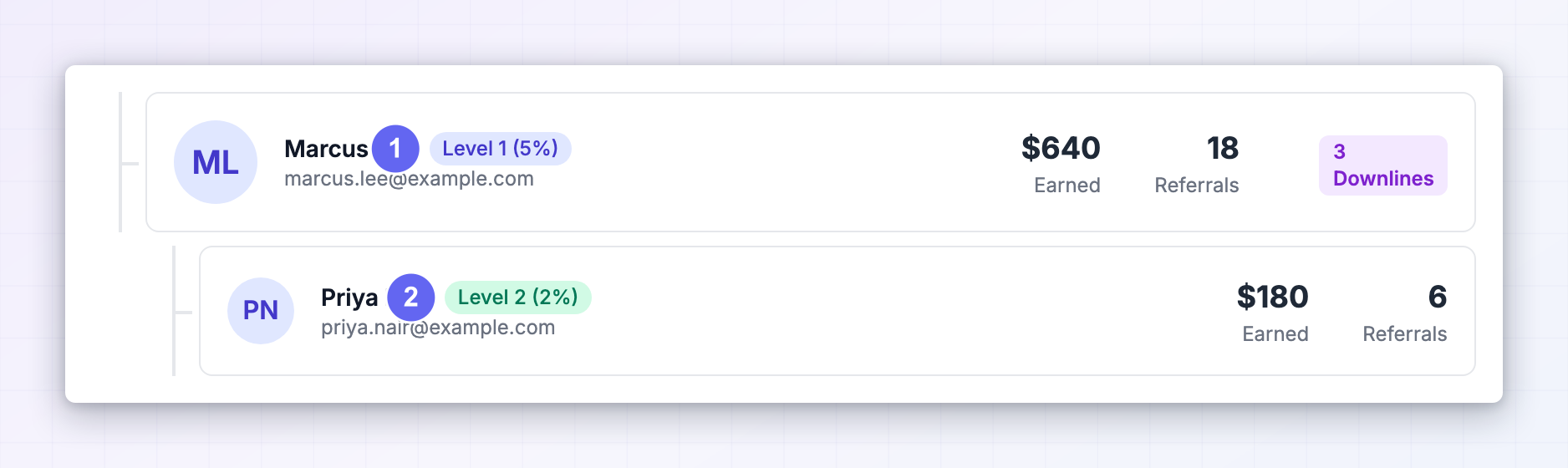 Two levels is as deep as it goes. If someone at Level 2 recruits an affiliate, that person doesn’t appear on your team and doesn’t earn you anything.
Whether Level 2 exists at all is up to the brand. Some set a rate for direct recruits only, in which case your tree stops at Level 1.
Two levels is as deep as it goes. If someone at Level 2 recruits an affiliate, that person doesn’t appear on your team and doesn’t earn you anything.
Whether Level 2 exists at all is up to the brand. Some set a rate for direct recruits only, in which case your tree stops at Level 1.
Expand and collapse branches
A Level 1 affiliate who has recruits of their own gets a purple badge showing how many, plus a chevron to fold that branch away. Everything starts expanded. Once your team grows past a handful of people, collapsing the branches you’re not looking at makes the page far easier to read.Understand what you actually earn
The percentage in each badge is a share of what that person earned, not a share of the sale. Here’s the arithmetic, using a 5% Level 1 rate as an example. Someone you recruited refers a customer who spends 20. Your cut is 5% of that 1. That $1 comes from the brand, on top of what your recruit earns. Nothing is taken out of their commission, so there’s no reason for them to mind that you’re earning from their work. Team earnings land alongside your other commissions in Rewards, follow the same approval process as any other commission, and get paid out in the same payout. There’s no separate balance to track.Remove someone from your team
Select the three-dot button on a Level 1 row and choose Remove From Team.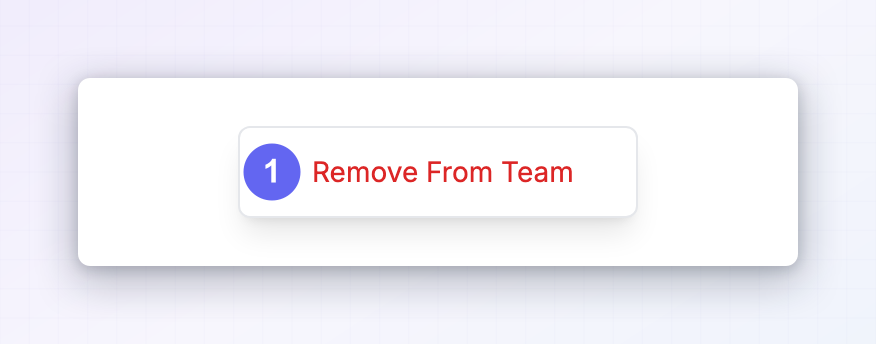
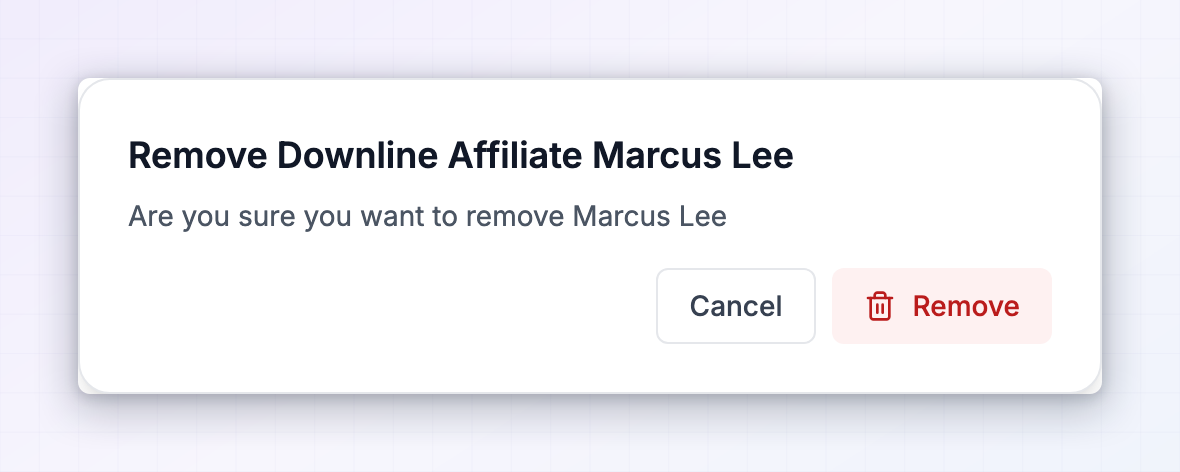 You’ll be asked to confirm. Select Remove and that affiliate is disconnected from you.
In practice there’s rarely a good reason to use this. Removing someone costs you future income and costs them nothing.
You’ll be asked to confirm. Select Remove and that affiliate is disconnected from you.
In practice there’s rarely a good reason to use this. Removing someone costs you future income and costs them nothing.
Related
My programs
Every program you’ve joined, in one place.
Referral links
The other link — the one that sends customers, not affiliates.
Getting paid
How team earnings reach you.
The affiliate portal
What every other section of your portal does.