

How signing in actually works
There’s no password on an affiliate portal. You enter your email address, Referly sends you a code, you type the code in.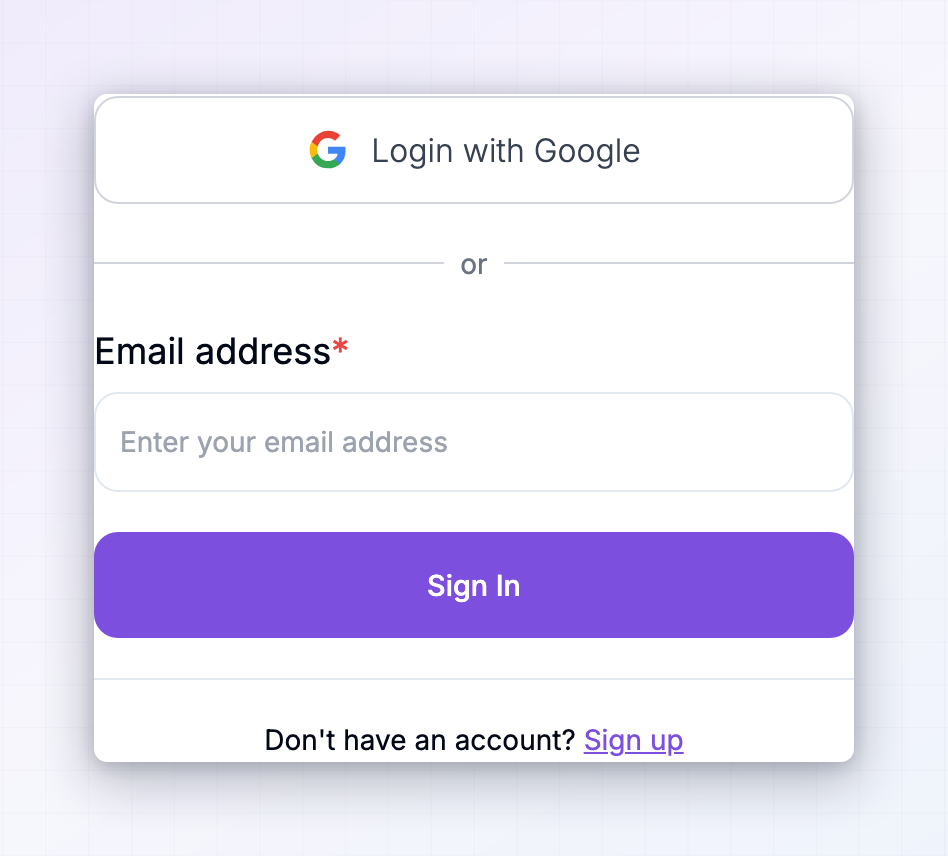
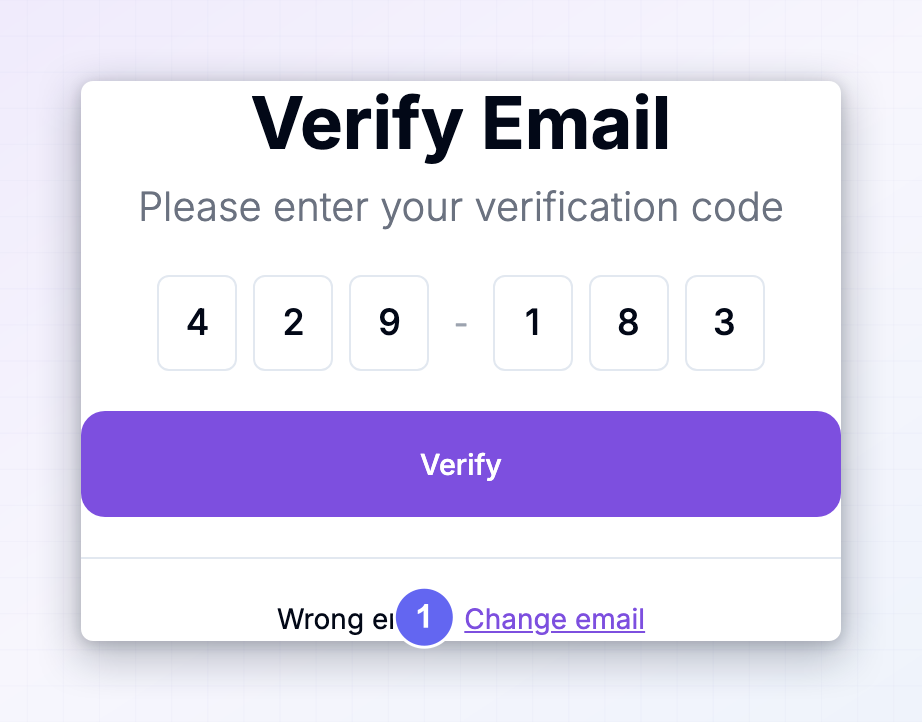 The first thing worth knowing is that your login is tied to a specific program’s portal. Each brand has its own web address — something like
 brandname.referly.so, or the brand’s own domain if they’ve set one up. Your account exists in that program, not across all of Referly.
Some brands also offer Login with Google as a shortcut. If you see that button, it does the same job without the code step. If you don’t see it, that brand hasn’t turned it on.
Once you’re in, you stay signed in for about a week before you’re asked for a code again. Being asked to sign in again isn’t a fault.
The code hasn’t arrived
Give it a minute first — codes usually land in seconds, but mail can queue.Check spam, promotions and updates
Check spam, promotions and updates
This is where the code ends up most often. The email comes from the brand’s own sending address, which your provider may not recognise. Once you find it, mark it as not spam so the next one goes to your inbox.
Check you typed the right email
Check you typed the right email
A code goes to the address you entered, so a typo sends it nowhere you’ll see. Select Change email on the code screen to go back and try again.
Check you're using the address you signed up with
Check you're using the address you signed up with
If you have several email addresses, the code only works for the one that’s actually on the account with this brand. There’s no notification telling you you’ve used the wrong one.
Request a fresh code
Request a fresh code
Go back and submit your email again. Be aware that a new code replaces the old one — if two code emails are sitting in your inbox, only the newest one works.
The code is being rejected
Codes expire 10 minutes after they’re sent. Past that they stop working, even though the email is still sitting there. The other common cause is having requested more than one. Only the most recent code is valid — an older email in your inbox will be refused. Check the timestamps and use the newest, or request another and use that one straight away.Some brands add a bot check to their login page. If you see Please complete the reCAPTCHA verification, tick the box before selecting Sign In — the code won’t send until you do.
You’re told the email or code is invalid
Invalid email or verification code almost always means one thing: there’s no affiliate account with that email address in this particular program. That happens when:- You’re on the wrong brand’s portal. Easy to do when several portals look alike. Check the web address in your browser matches the brand you meant.
- You joined with a different email. A personal address in one program and a work address in another are two separate accounts, and neither works on the other’s portal.
- You haven’t actually joined this program yet. Use Sign up rather than Sign In.
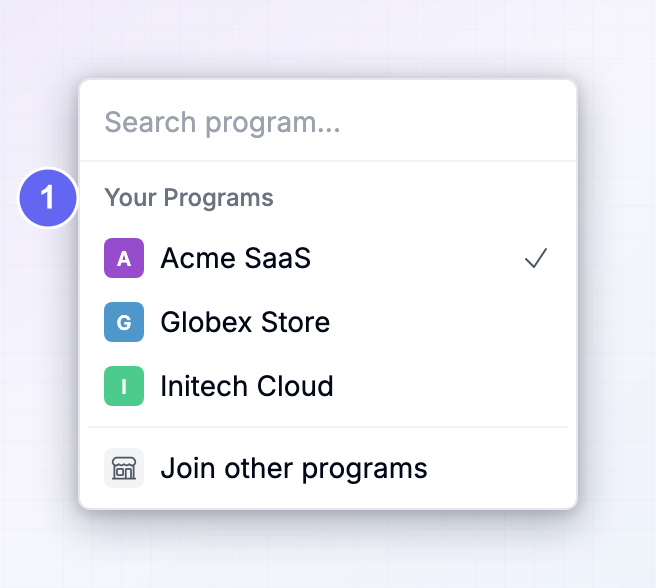 If you can’t get into any of them, sign in at
 influencers.referly.so with your usual email — the Influencer dashboard lists every program tied to that address and links straight through to each one.
You’re signed in but can’t reach your dashboard
If you got past the code and landed on a screen with a Log out button and not much else, your sign-in worked. What’s blocking you is your standing with that brand. There are four of these screens, and they mean different things.Your application is still being reviewed
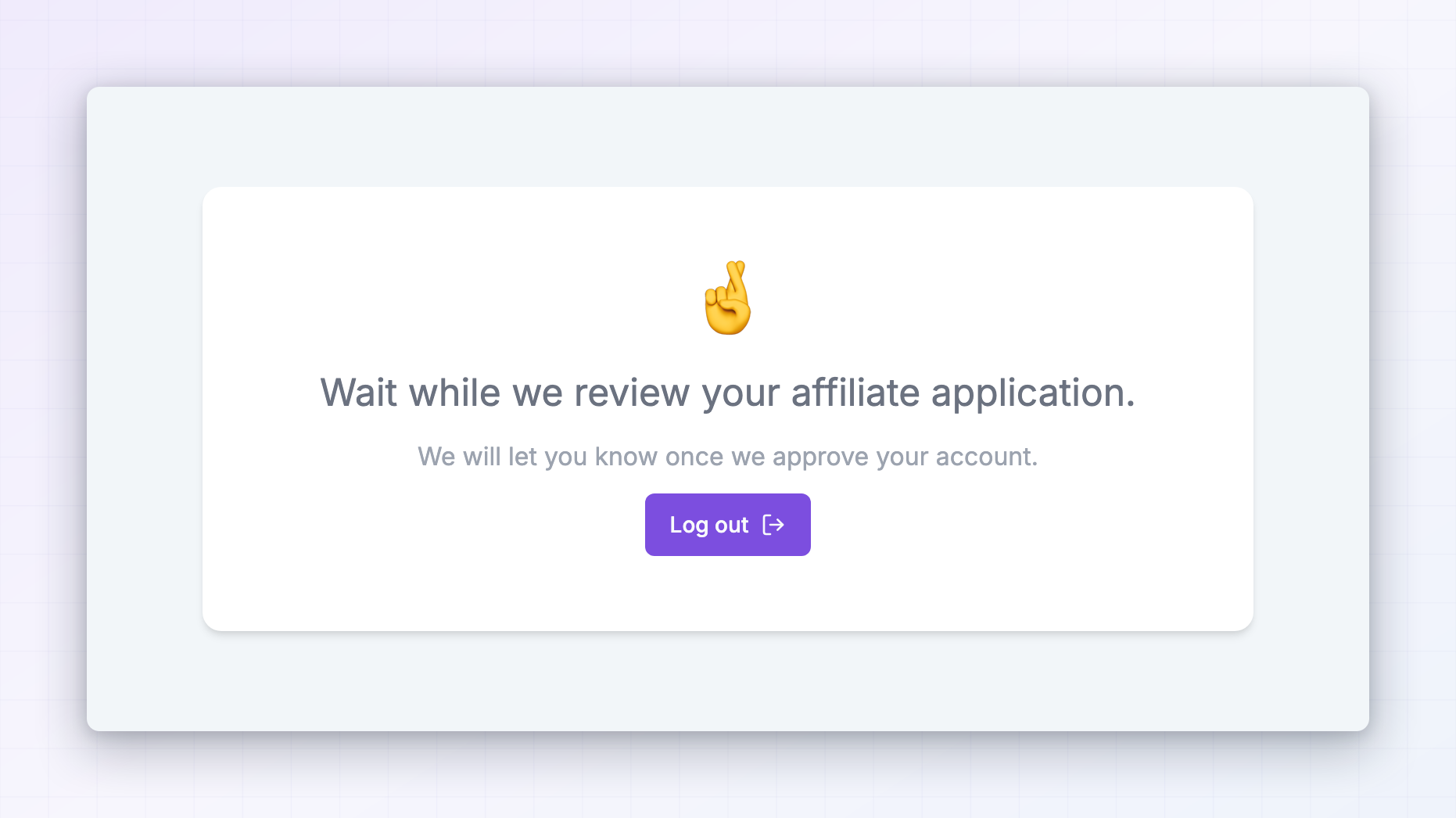 Wait while we review your affiliate application. The brand approves affiliates by hand and hasn’t got to you yet. You’ll be told once they approve you, and your portal opens up on its own — there’s nothing to do and no need to sign in repeatedly to check.
How long that takes is entirely up to the brand. If it’s been a while, contact their affiliate manager rather than Referly.
Wait while we review your affiliate application. The brand approves affiliates by hand and hasn’t got to you yet. You’ll be told once they approve you, and your portal opens up on its own — there’s nothing to do and no need to sign in repeatedly to check.
How long that takes is entirely up to the brand. If it’s been a while, contact their affiliate manager rather than Referly.
The rest
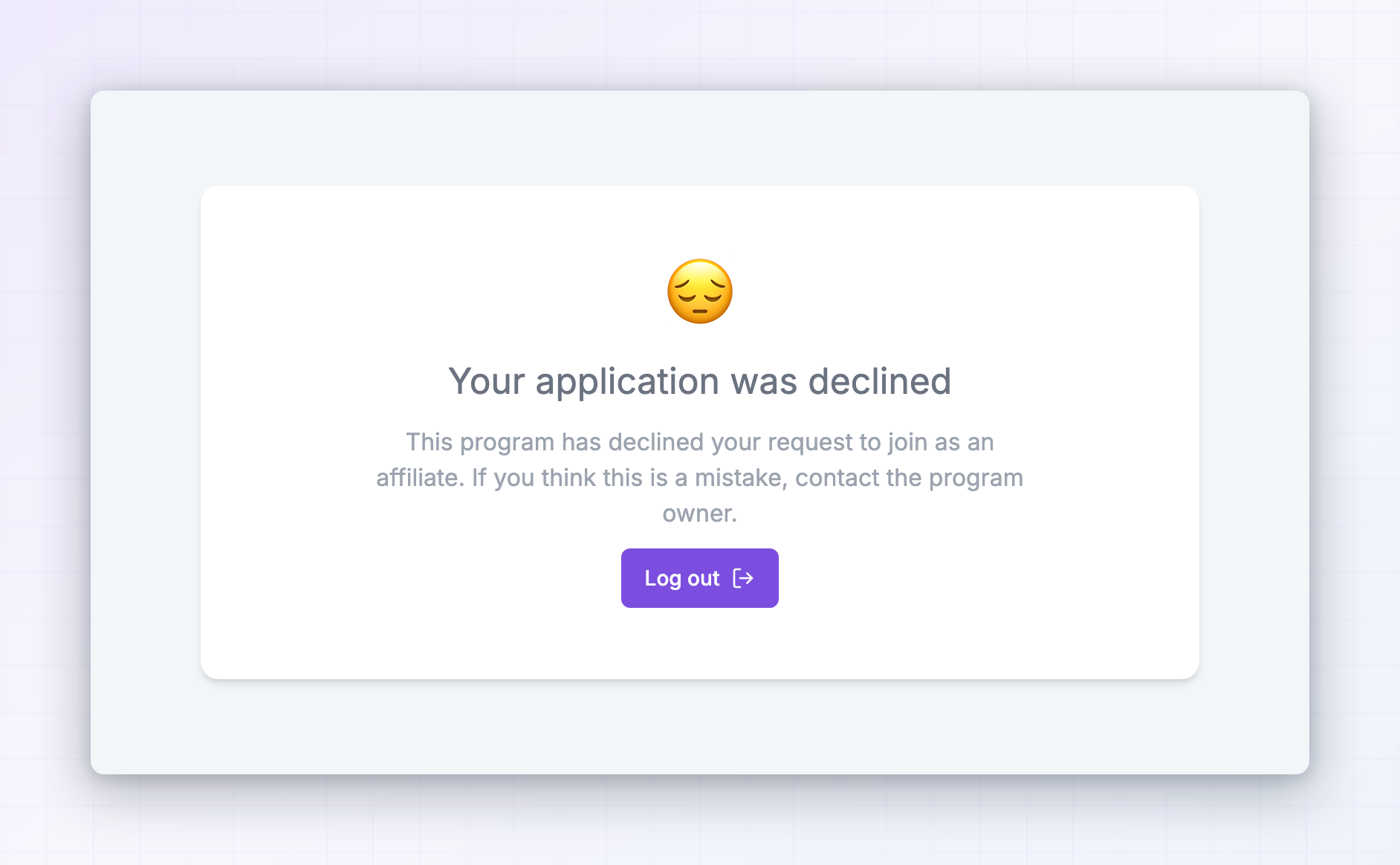
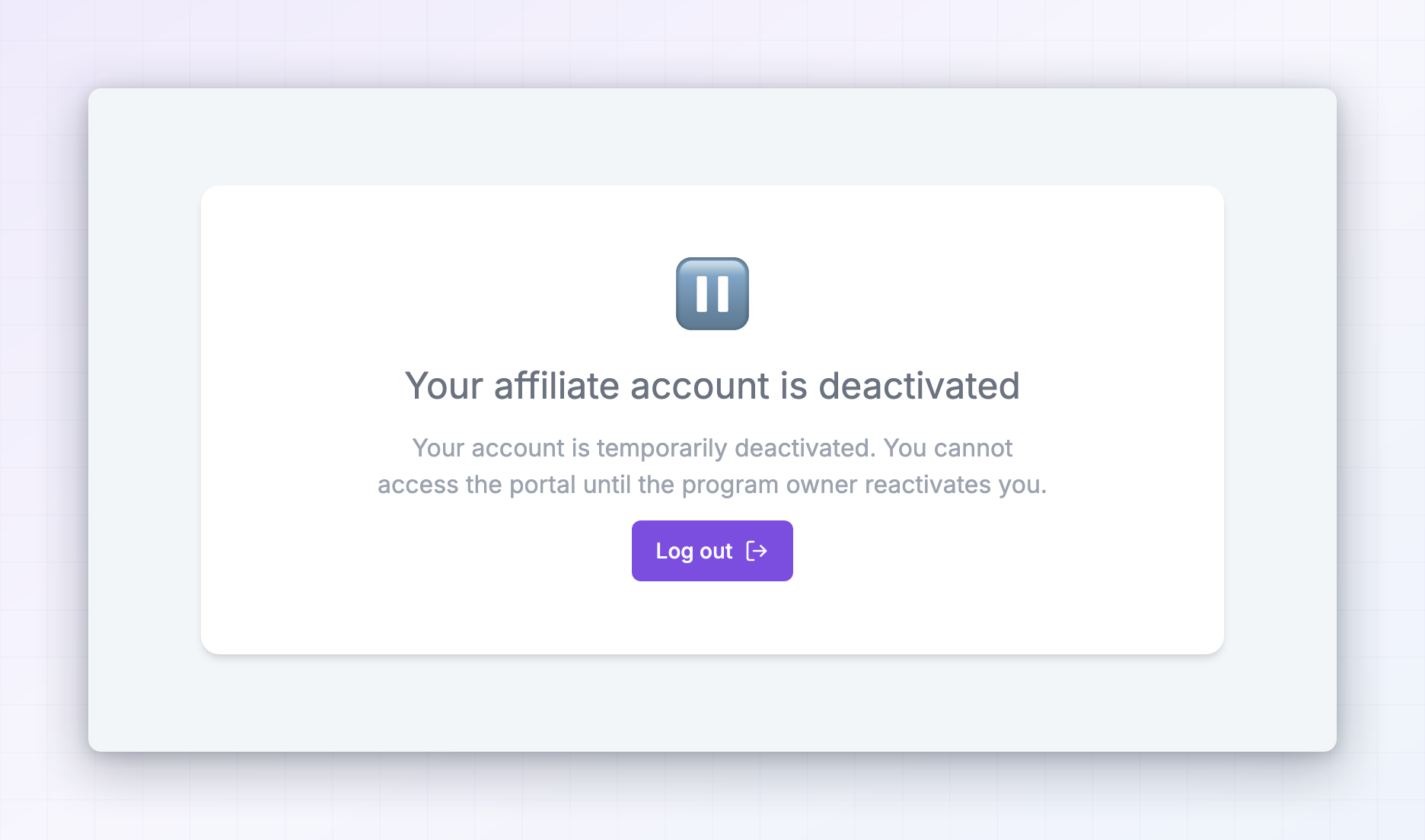
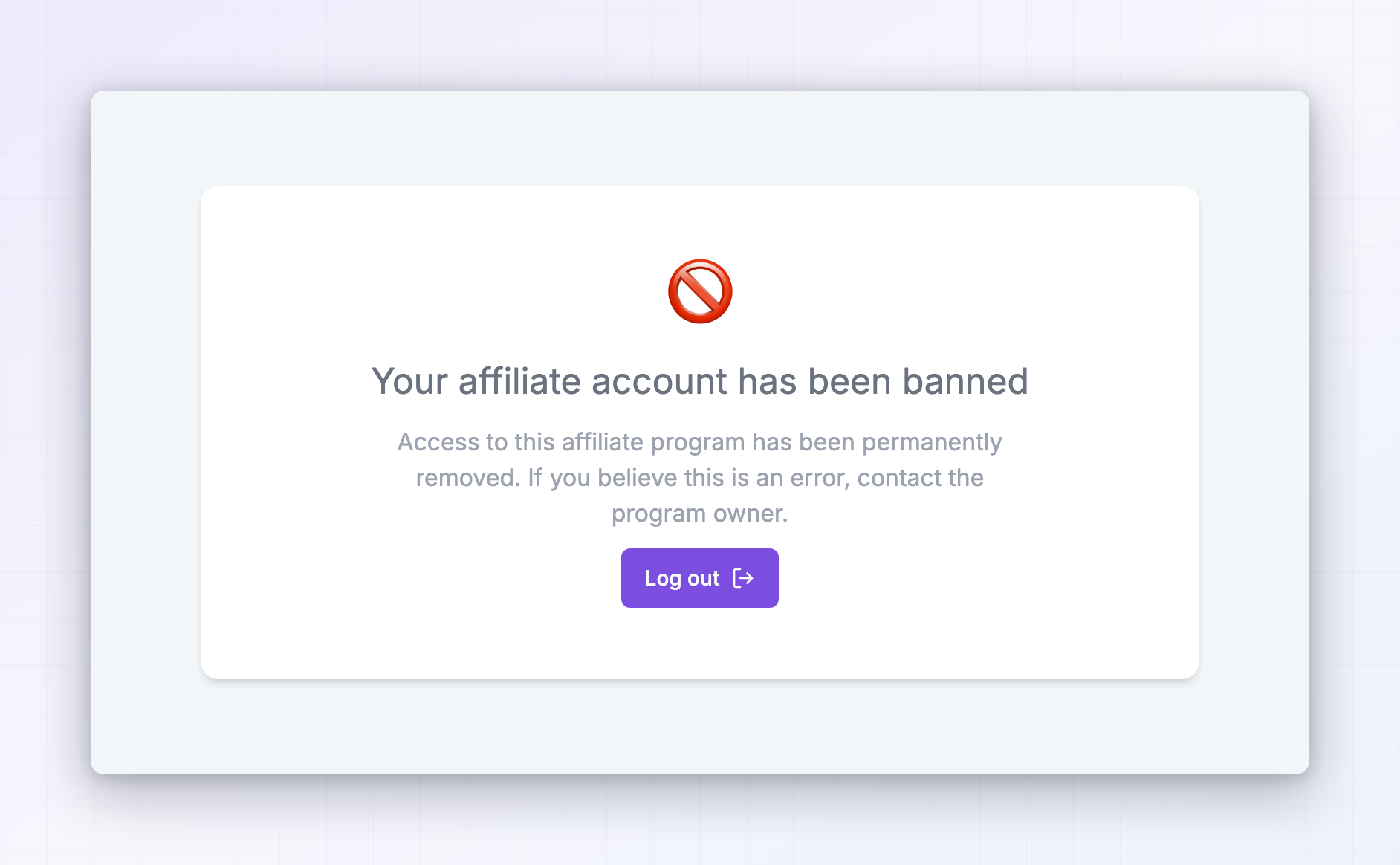
A problem with one brand doesn’t affect any other. Your other programs, your links there, and any earnings you’ve already accrued are untouched.
You keep landing on onboarding
If every attempt to reach your dashboard sends you back to a set of onboarding questions, the brand requires those to be finished before they’ll let you in. Complete them and you’ll be taken to your dashboard automatically. See Affiliate onboarding.You can’t get into the Influencer dashboard
The Influencer dashboard atinfluencers.referly.so signs you in the same way — email, then a code.
Two things to check if it isn’t working:
- Use the email your programs are under. The dashboard finds your programs by email address, so a different address shows you an empty account rather than an error.
- Come in from a program instead. If you’re already signed in to any brand’s portal, open the switcher and select Join other programs. That carries your details across and signs you in without a second code.
Still stuck
Before you contact anyone, note which brand’s portal you’re on, the email address you’re using, and the exact wording on screen. That’s usually enough to sort it in one message.- Approval, deactivation, bans, or a wrong email address on your account — the brand’s affiliate manager. They control all of it.
- Codes that never arrive on any program, or a portal that won’t load at all — Referly support at
support@referly.so.
Related
My programs
Find the right portal instead of guessing.
Signing up as an affiliate
Joining a program for the first time.
Affiliate onboarding
The questions some brands ask before letting you in.
Your affiliate profile
The email address everything is tied to.