

Where to see your email stats
In the left sidebar, select Settings, open Affiliate Portal, then Email Settings. Once an email has been sent a few times, its card shows a quick summary underneath its name: how many were sent, the opens percentage, and the clicks percentage.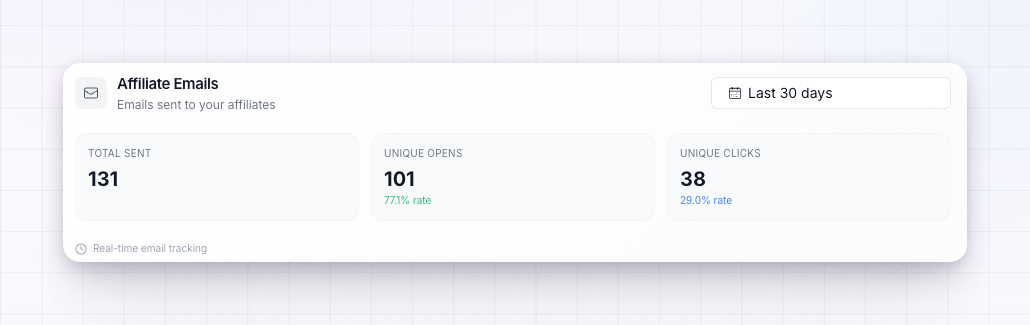
What Referly tracks
- Opens — how many recipients opened the email.
- Clicks — how many recipients clicked a link inside it.
Open the funnel
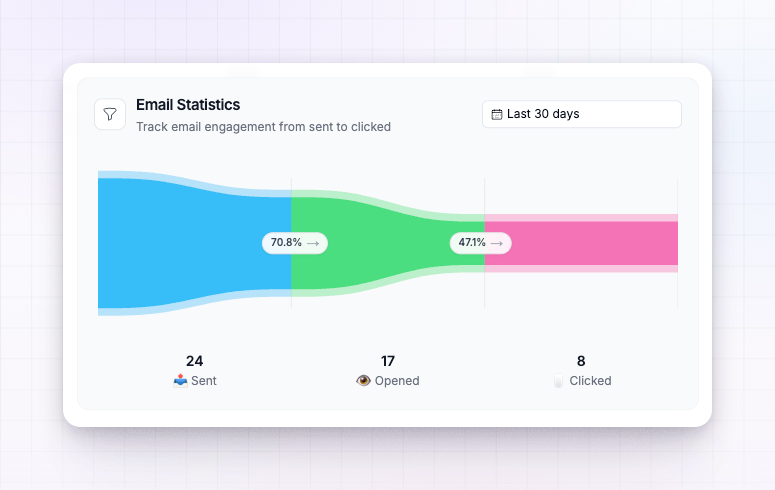
Select any email to open its details. At the top you’ll see a funnel with three steps:- Sent — the email went out.
- Opened — the recipient opened it.
- Clicked — the recipient clicked a link inside it.
Change the date range
Use the date picker above the funnel to focus on a period — for example Last 7 days, Last 30 days, or This month. The stats update to cover only emails sent in that range, which is handy for comparing before and after you change an email.See who opened or clicked
Hover a funnel step to see a short list of recent recipients for that step — Recent Recipients for sent, Recently Opened for opens, and Recently Clicked for clicks. It’s a quick way to put names to the numbers and confirm the right people are engaging.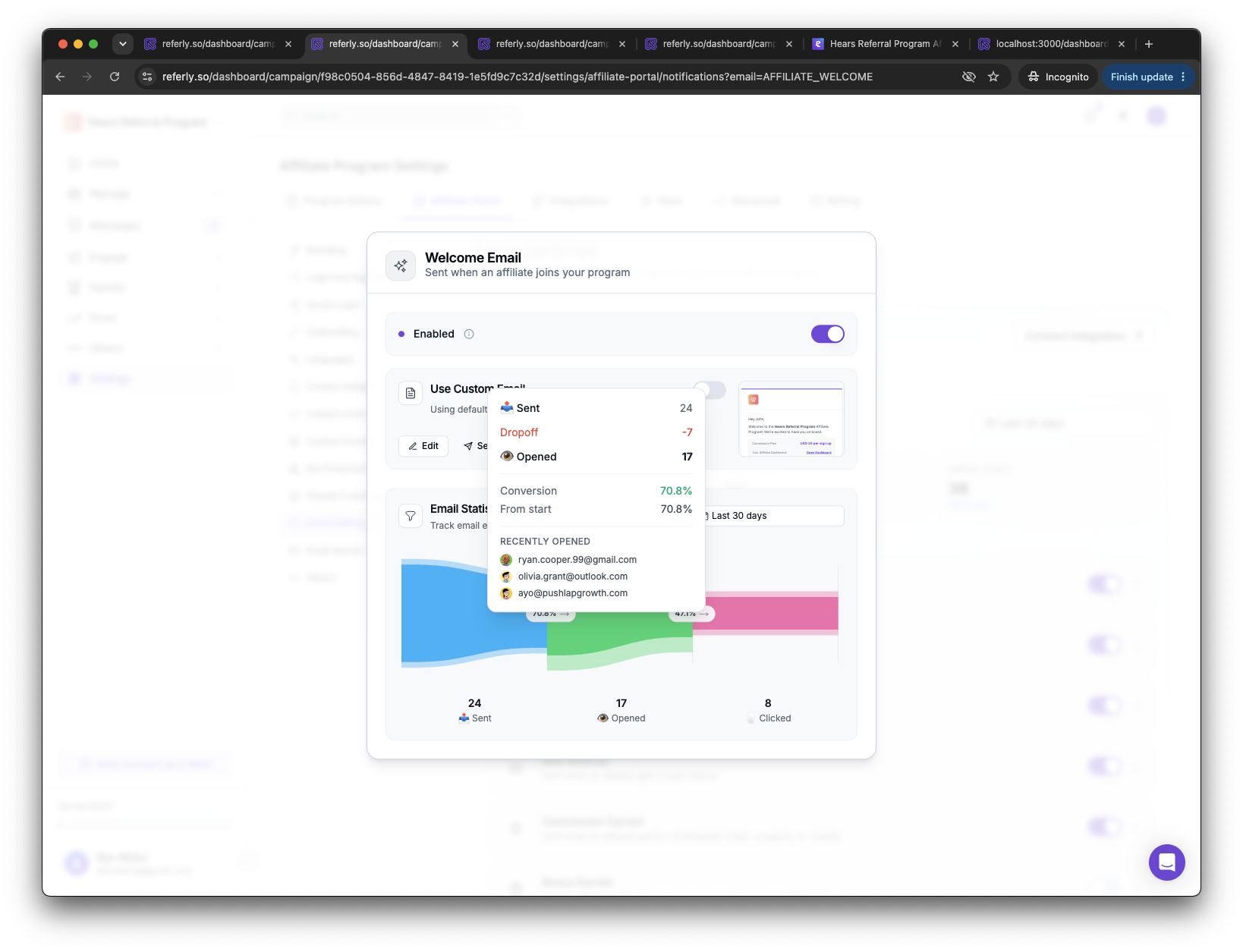
A note on open rates
Open tracking works by including a tiny invisible image in each email that loads when the email is viewed. Some email apps block or preload images, so open rates are a strong signal of engagement rather than an exact count — treat them as a trend to watch over time. Click tracking is more precise, since it records an actual action the recipient took.Related
Emails your affiliates receive
The emails these stats are measured on.
Custom email builder
Improve an email’s content to lift opens and clicks.
Send from your own domain
Better deliverability means more of your emails get opened.
Email settings overview
See how all of Referly’s email settings fit together.