

When customers need to verify
Whether a customer verifies depends on how you installed the widget and which tab they’re on.- The Earnings tab always asks for verification. Anyone who wants to see earnings, referrals, and clicks confirms their email first, so one person can’t view another’s numbers.
- The Invite tab depends on the auto-register option. If you turned on Auto-register logged-in users when you installed the widget, signed-in customers are recognized automatically and go straight to their referral link — no code needed. If auto-register is off, customers type their email and verify it before they get their link.
There’s no separate switch to turn verification on or off. It’s built in: the Earnings tab always uses it, and the Invite tab uses it whenever a customer isn’t already identified through auto-register.
What the customer sees
The flow is the same wherever it appears — enter an email, get a code, enter the code.Getting a referral link on the Invite tab
When auto-register is off, a customer opening the Invite tab is asked for their email and selects Get my link. Referly emails them a code, and the widget shows a Verify your email screen where they enter it and select Verify & Get Link. Once verified, their personal referral link appears, and they’re added to your program as an affiliate.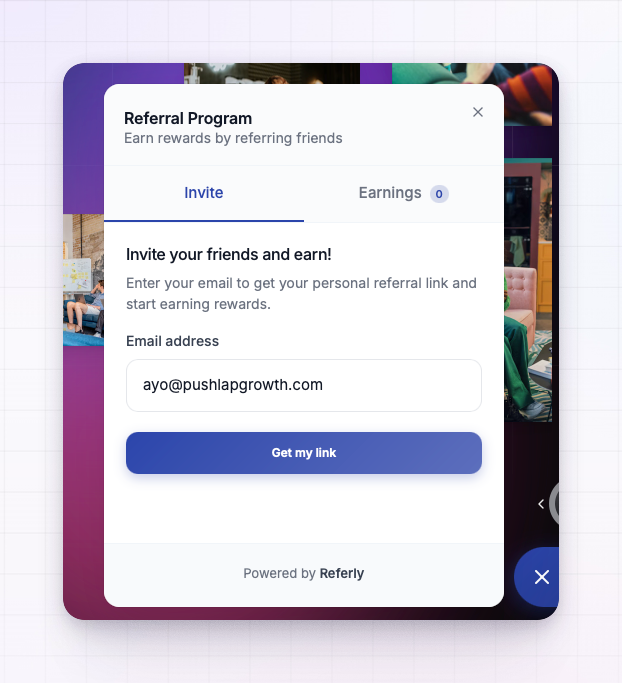
Viewing earnings on the Earnings tab
On the Earnings tab, the customer sees an Access Your Rewards screen. They enter their email and select Send Verification Code.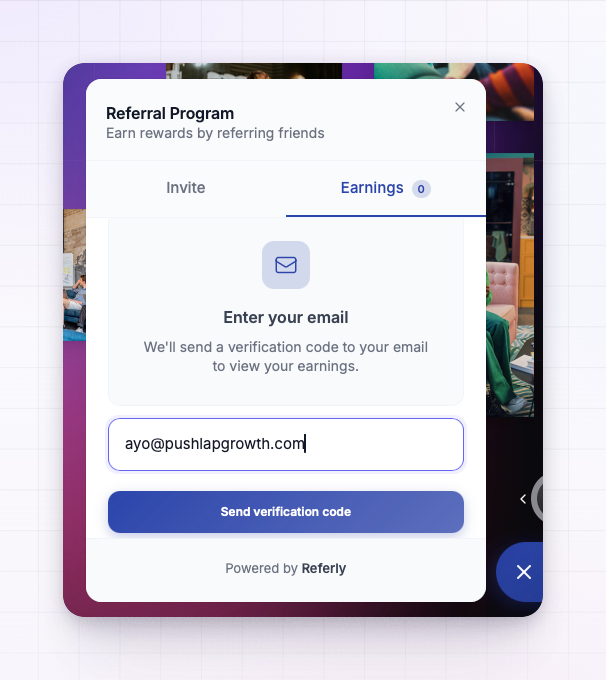 Referly emails the code, and the widget shows a code screen where they type the six digits and select Verify Code. Their total earned, referrals, and clicks then appear.
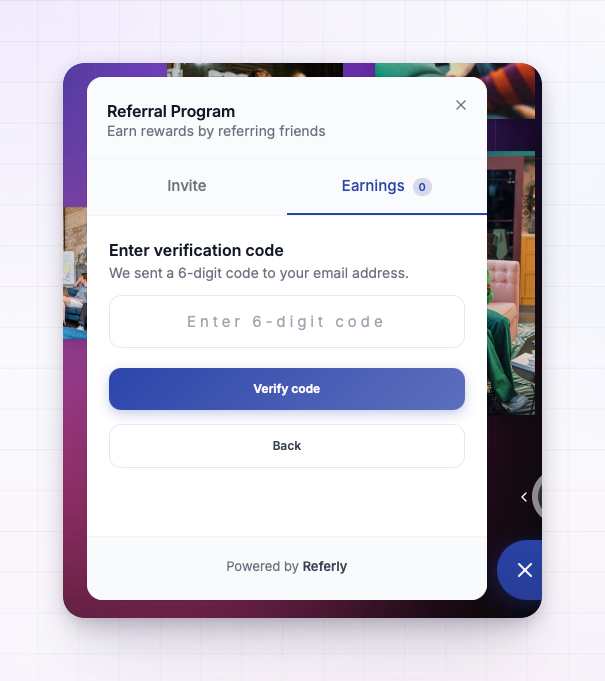
To view earnings, a customer has to have joined your program already — for example by grabbing their link on the Invite tab. If they enter an email that isn’t part of your program yet, the widget tells them no affiliate account was found for that email.
If a code doesn’t arrive
Codes are sent by email and are valid for ten minutes. If a customer says theirs didn’t come through, suggest they:- Check their spam or junk folder.
- Make sure they entered the same email they use with your product.
- Request a new code if more than ten minutes have passed, since the old one will have expired.
- Confirm they’ve already joined your program if they’re trying to view earnings.
Related
Install the widget
Turn on auto-register to skip verification for logged-in customers.
Customize the widget
Reword the verification screens under Advanced custom copy.
Referral widget overview
A tour of what the widget is and does.
Affiliate statuses
What happens to customers who join through the widget.