

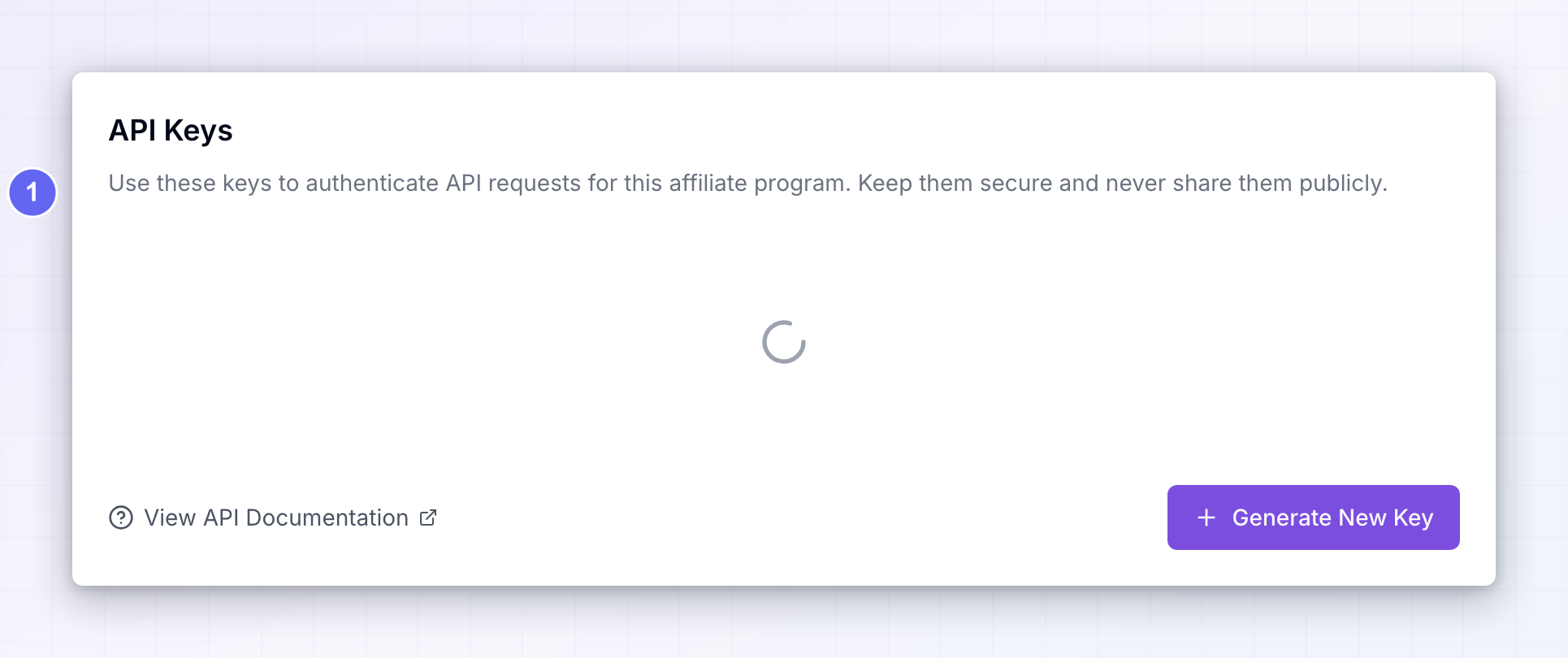
API access is part of the Business and Agency plans, and it isn’t included during a free trial. On other plans the Generate New Key button is locked and selecting it opens an upgrade prompt. See API access and plans and features.
What a key gives access to
A key gives full read and write access to one affiliate program. Whoever holds it can list and create affiliates, record sales and referrals, manage links, and create coupons and promo codes — everything you can do on those screens in the dashboard. There are no partial permissions. A key is either valid for the whole program or it doesn’t work at all, so treat it like a password to that program.Generate a key
Select Generate New Key at the bottom right. The new key appears in the list straight away, with the date you created it underneath. You can create as many keys as you like. It’s worth creating a separate one for each tool or integration, so that if you ever need to turn one off you don’t break everything else at the same time.When the “API key created successfully” message appears, the key is live and ready to use.
Copy your key
Select Copy on the key’s card to put it on your clipboard, then paste it wherever it’s needed — usually a field labelled “API key” or “token” in the other tool. Unlike some services, Referly keeps your key visible on this screen, so you can come back and copy it again later. That also means anyone who can open your dashboard can read it.Each key belongs to one program
A key is tied to the affiliate program it was created in. If you run several programs, switch to each one and generate its own key — a key from one program won’t return or change anything in another. The same applies the other way round: deleting a program’s key has no effect on your other programs.Hand the key to a developer or tool
Requests go tohttps://www.referly.so/api/v1, and the key travels with every request as a bearer token:
Know the request limits
To keep things fast for everyone, each key can only make so many requests in a given period. The limits apply per key and per type of request:
Going over a limit doesn’t disable your key. The request is refused with a “too many requests” response and a note of how long to wait, and normal requests resume once the period is over. If you’re importing a lot of history at once, spread it out or use the import tools instead.
Delete a key
Select the red trash icon on a key’s card. The key is removed immediately — there’s no confirmation step and no way to restore it.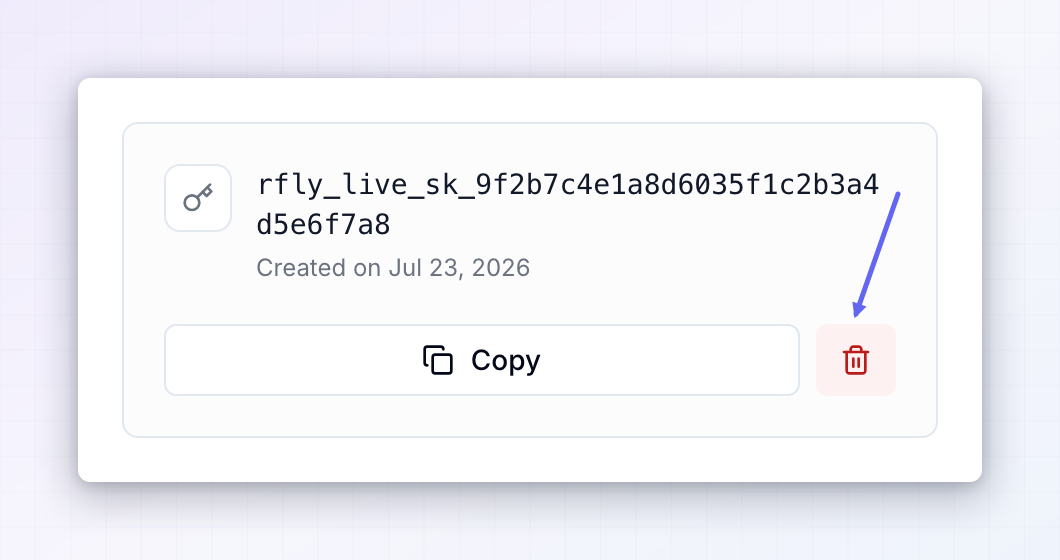 Delete a key whenever it may have been exposed — a developer leaves, a key ends up in a shared document, or you stop using a tool. Generate a replacement, update the tool, then delete the old one.
Related
API access
Check whether your plan includes API access.
Webhooks
Get notified in your own system when something changes.
API reference
Everything your developer can read and write.
Zapier
Connect Referly to thousands of apps without code.