

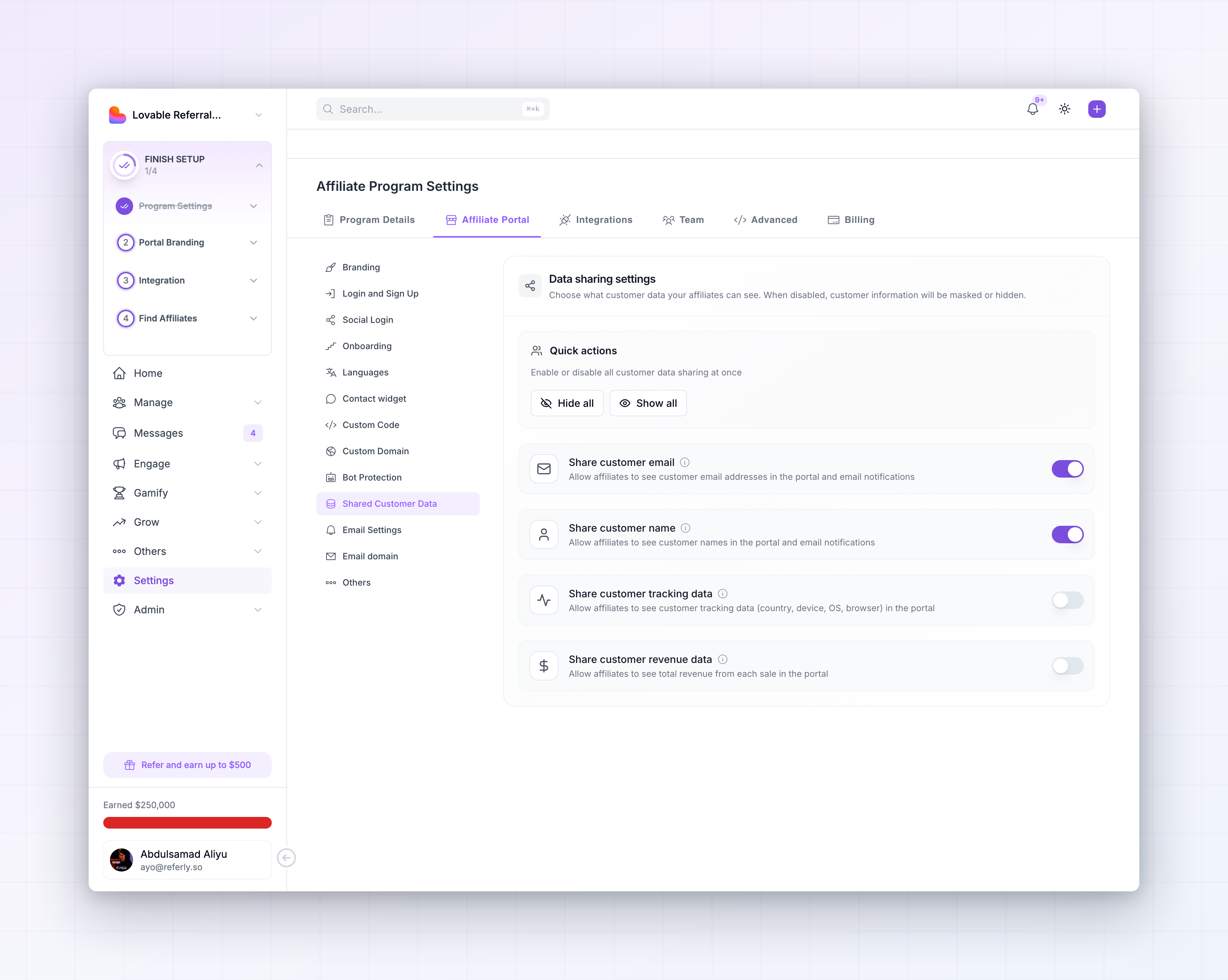
 There are four switches. Anything you turn off is either masked or hidden in the affiliate portal, so an affiliate still sees that a sale happened without seeing the private details behind it.
These settings need the Business plan or higher. See plans and features.
Share customer email
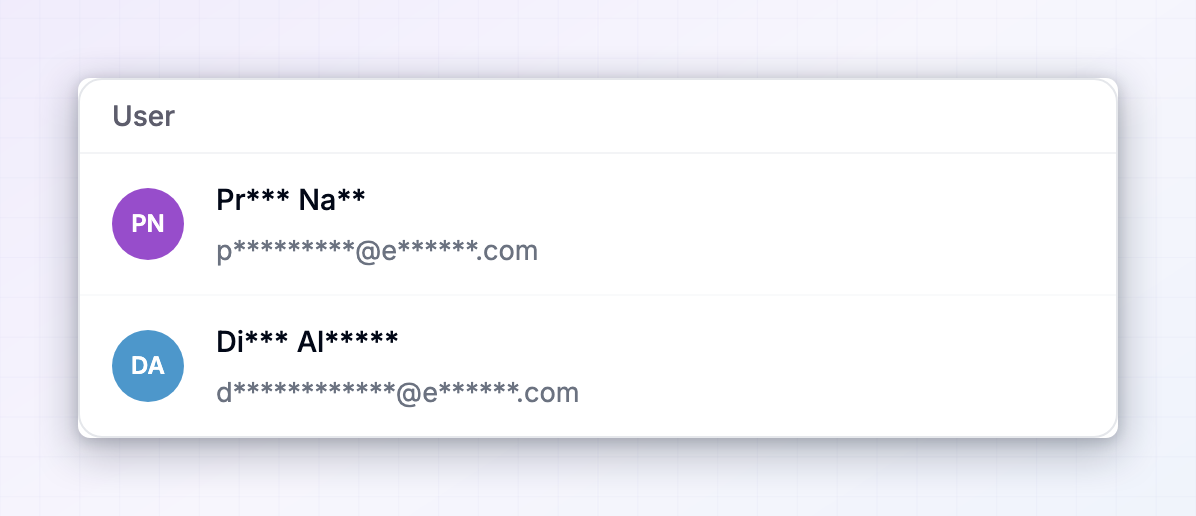
On by default. Lets affiliates see the email addresses of the customers they referred, both in the portal and in the email notifications they receive. Turn it off and addresses are masked instead of removed — something likeayo@example.com shows as a**@e****.com. The affiliate can still tell one customer from another without being able to contact them.
Share customer name
On by default. Lets affiliates see full customer names in the portal and in their email notifications. Turn it off and names are masked in the same way, so “John Doe” shows as “Jo** **”.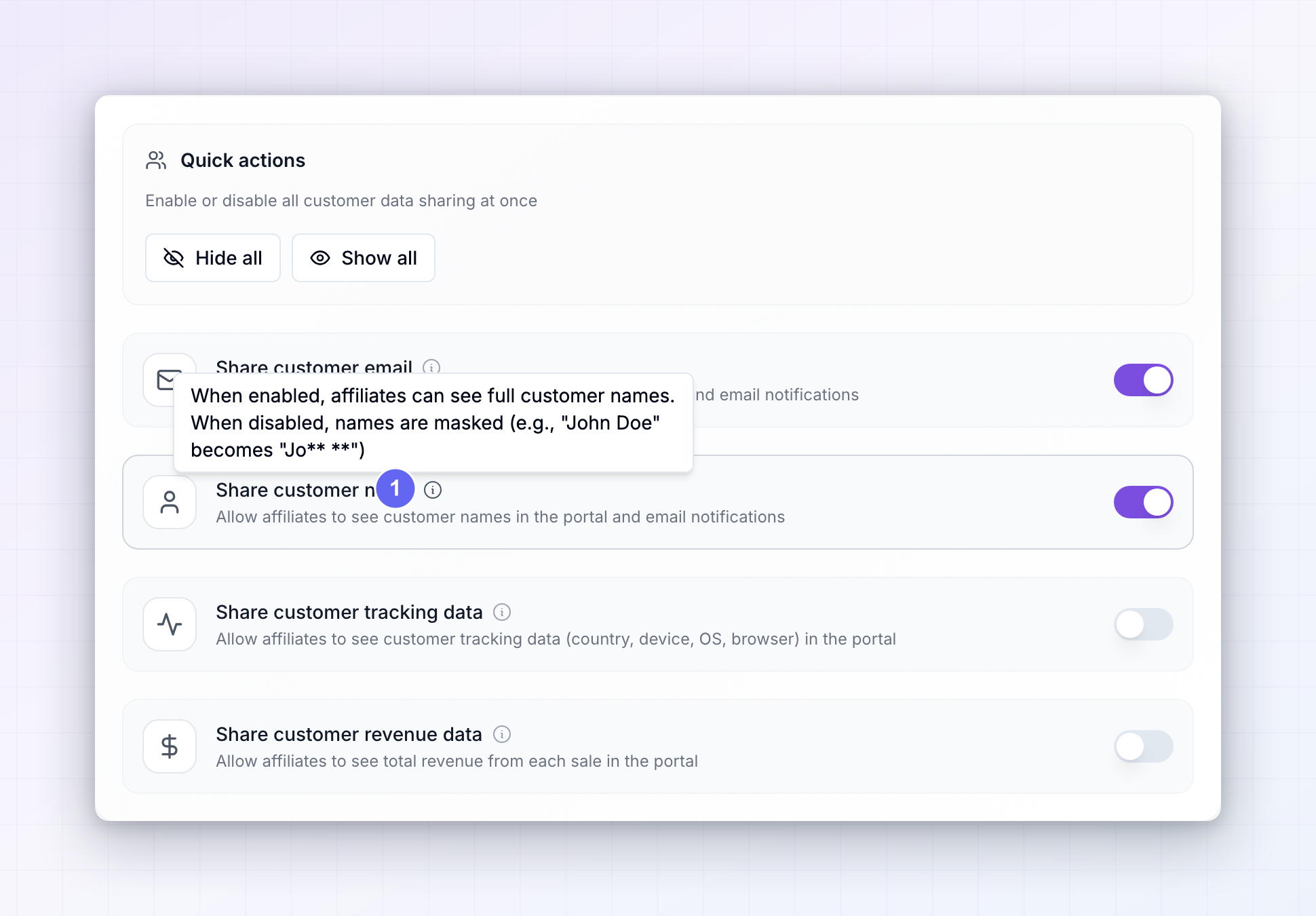 Each setting has a small information icon next to it that explains what changes, with an example of the masking.
Share customer tracking data
Off by default. Shows affiliates where their referrals came from and what they used: country, device type, operating system, and browser. This is the one setting that’s genuinely useful to hand over. An affiliate who can see most of their conversions come from mobile visitors in Germany can aim their next campaign better, which is good for both of you. It says nothing about who the customer is personally.Share customer revenue data
Off by default. Shows affiliates the total amount each customer paid. This one is a business decision rather than a privacy one. Sharing it makes your program feel open, and it helps affiliates work out which products are worth promoting. Keeping it off makes sense if your pricing is negotiated, varies by customer, or is something you’d rather not have discussed publicly.This is separate from an affiliate’s own commission. Affiliates always see what they earned on a sale, whatever you choose here. This setting only covers what the customer paid you.
Change everything at once
The Quick actions box at the top has two shortcuts for setting all four switches together.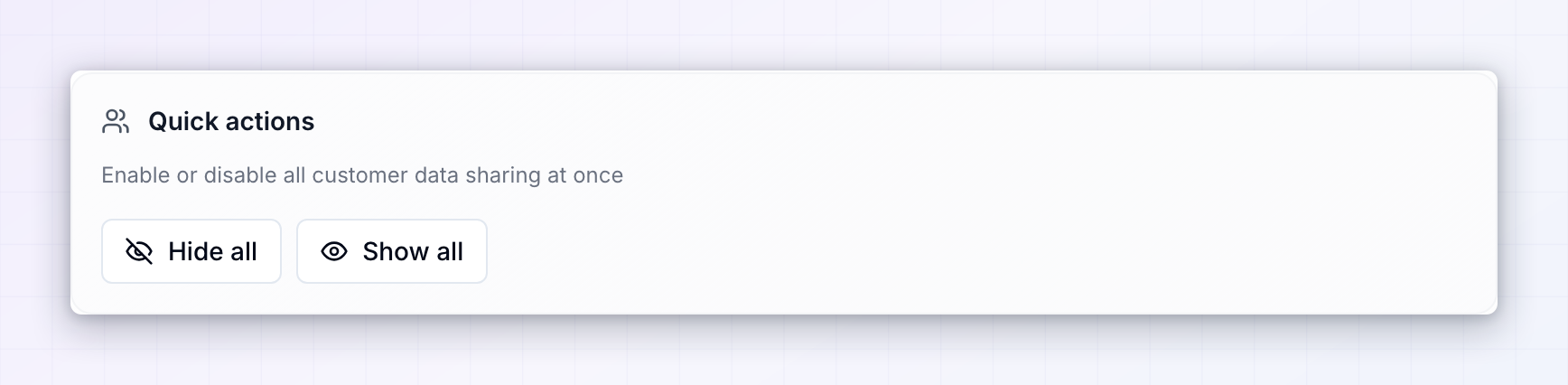
- Hide all turns everything off, the most private setup.
- Show all turns everything on, the most open setup.
Save your changes
Once you change anything, a Save Changes button appears at the bottom right. Your choices don’t apply until you select it.When the “Settings saved successfully” message appears, your changes are live in the affiliate portal.
Choosing what to share
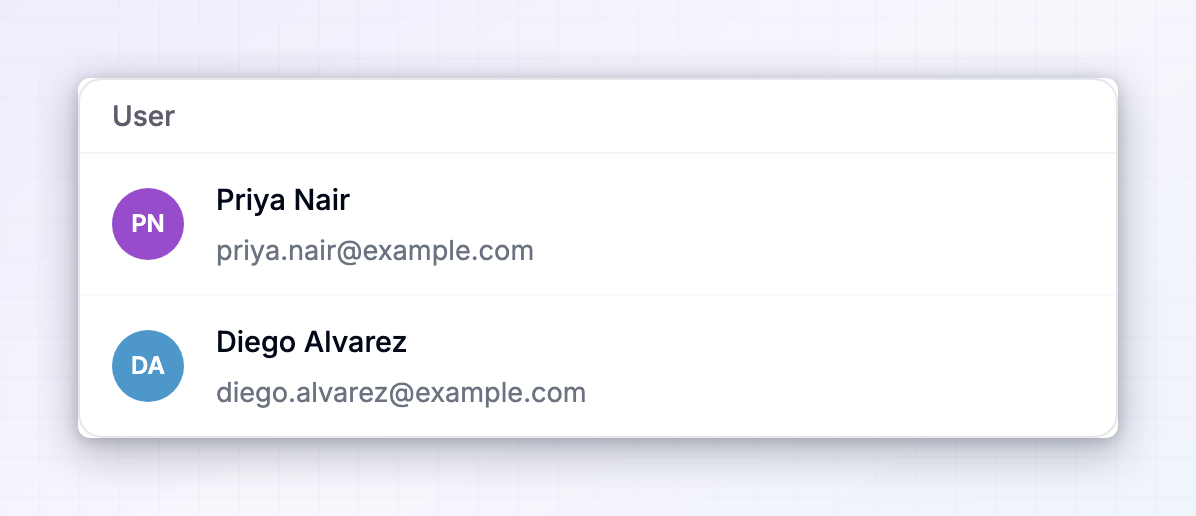
There’s no single right answer, but a few things are worth weighing:- Your privacy obligations come first. If you handle personal data under rules like GDPR, your affiliates are a third party. Sharing customer names and emails with them is something you should be able to justify, so if in doubt, mask them.
- Affiliates don’t need contact details to do their job. They’re paid on results, not on following up with buyers individually. Masking names and emails rarely costs you anything.
- Watch for poaching. Full customer emails let an affiliate contact your customers directly, which is a real risk with affiliates you don’t know well.
- Share the data that helps them sell. Tracking data helps affiliates improve, and it doesn’t identify anyone.
Related
Managing referred customers
See the full customer details on your side of the dashboard.
Fraud prevention
Protect your program from self-referrals and abuse.
The affiliate portal
See what affiliates see when they log in.
Ban or deactivate affiliates
Cut off access for an affiliate you no longer trust.