

Limit to specific products
By default a code applies to the whole order. Turn on Limit to specific products and choose which products (or, on some platforms, collections) the discount covers. The code then only takes money off those items — useful when you want affiliates promoting one product line, not your entire catalogue.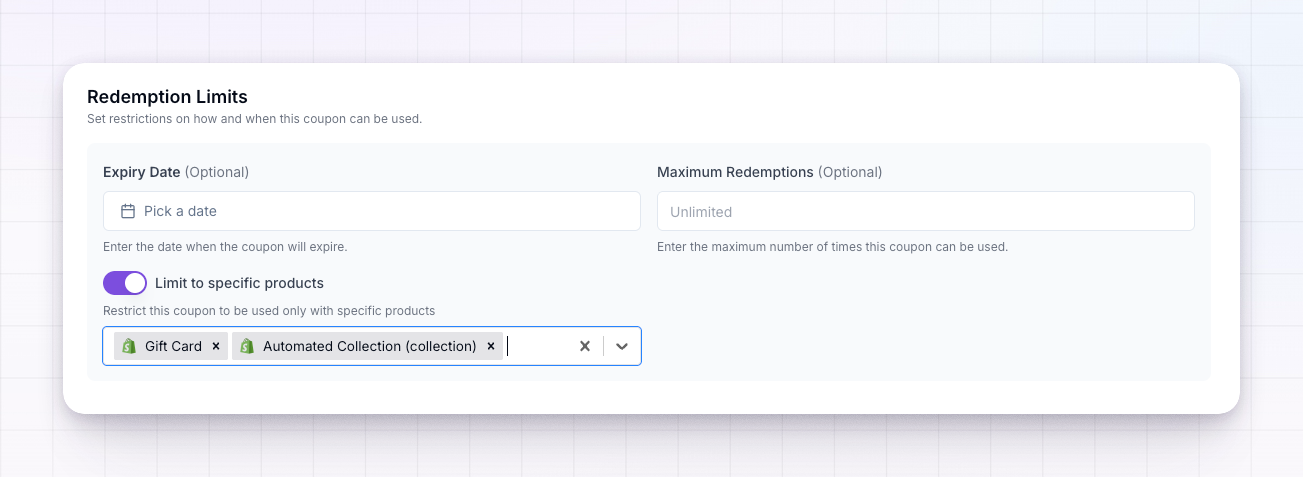
Require a minimum order
Set a minimum order amount so the code only works once the cart reaches a value you choose. Leave it as No minimum to let the code apply to any order. A minimum is a simple way to protect margin — for example, only give 20% off on orders over $50.First-time customers only
Turn on first-time order only to make the code work for a customer’s first purchase and not for repeat orders. This is common for acquisition deals, where the discount is meant to win a new customer rather than reward an existing one.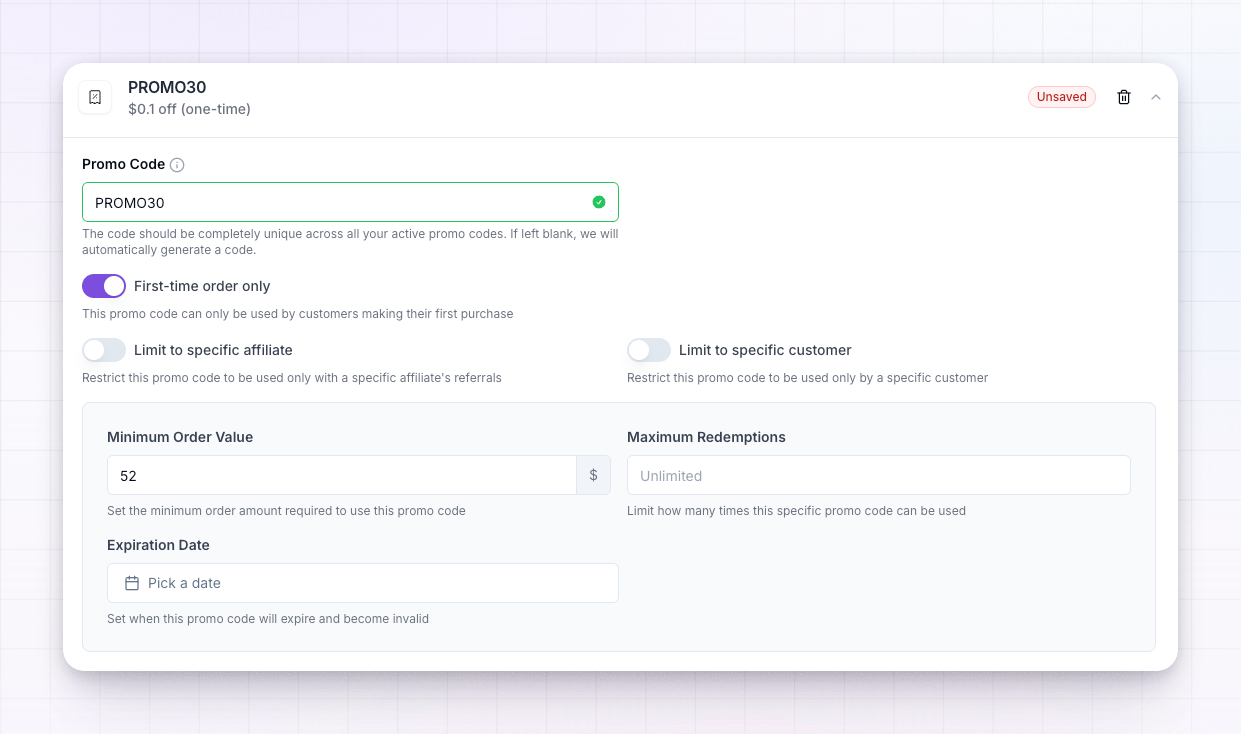
Cap redemptions and set an expiry
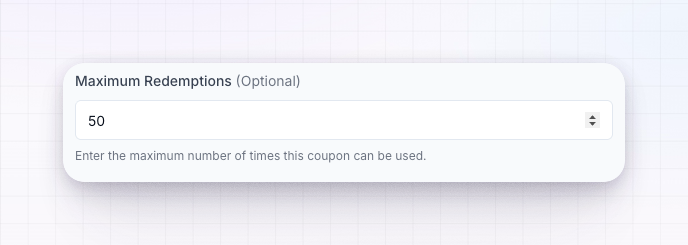
Under Redemption Limits you control how long and how widely a code lives:- Maximum redemptions — the total number of times the code can be used before it stops working. Leave it as Unlimited for no cap. A cap is handy for limited launches or a set number of early-bird deals.
- Expiry date — a date after which the code no longer works, so a seasonal promotion ends on its own.
Limit who can use a code
You can also tie a code to one person so nobody else can use it:- Limit to specific affiliate — the code only credits and works for that affiliate.
- Limit to specific customer — the code only works for that one customer.
Restrictions stack. A single code can require a minimum order, apply to first-time customers only, cover just one product, and expire on a set date — all at once. Only set the limits you actually need so the code stays easy for customers to use.
Related
Promotional codes
Tie a code to a specific affiliate or customer.
Auto-generate codes
Apply the same rules to codes generated for every affiliate.
Create a coupon
Set up the discount you’re restricting.
Coupons overview
See how coupons fit into your program.