

Sources you can connect
Referly can create and track coupons on these platforms:- Stripe — create coupons directly on your Stripe account. See the Stripe integration.
- Shopify — create discount codes directly on your Shopify store. See the Shopify integration.
- WooCommerce — create coupons directly on your WooCommerce store. See the WooCommerce integration.
- Polar — create coupons directly on your Polar store. See the Polar integration.
Where to connect
You connect a source from the same place you create coupons. Open your campaign, select Coupons in the left sidebar, then select Create Coupon. At the top of the dialog you’ll pick where the coupon should be created.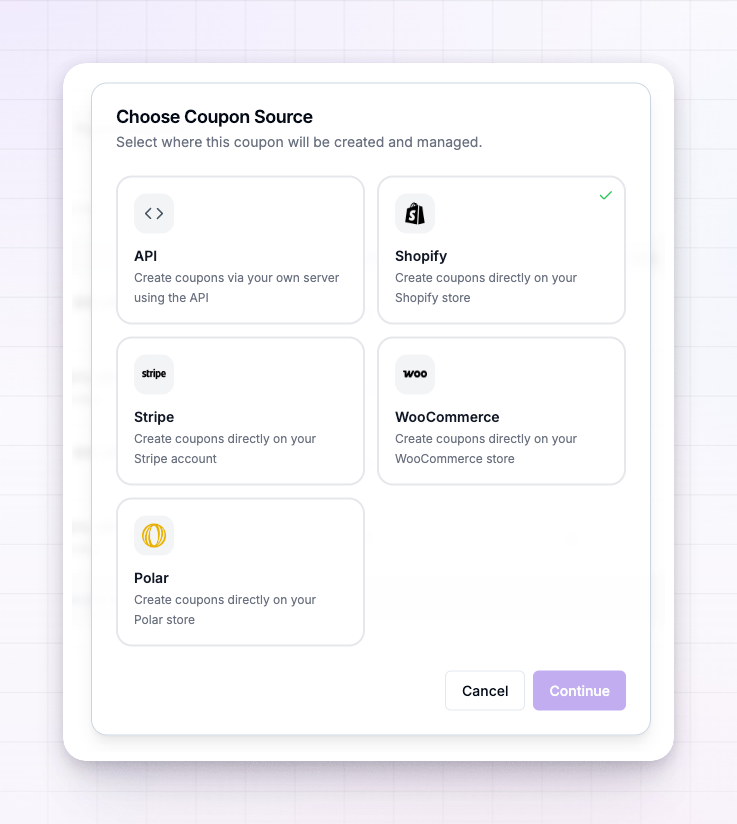
Pick your source
Choose the platform your customers pay on. Each option shows whether it’s already connected. If you pick one that’s connected, you can go straight to creating a coupon.Connect it
If the source you picked isn’t connected yet, Referly shows a short prompt explaining that you need to connect the integration to create coupons on that platform, with a Connect button.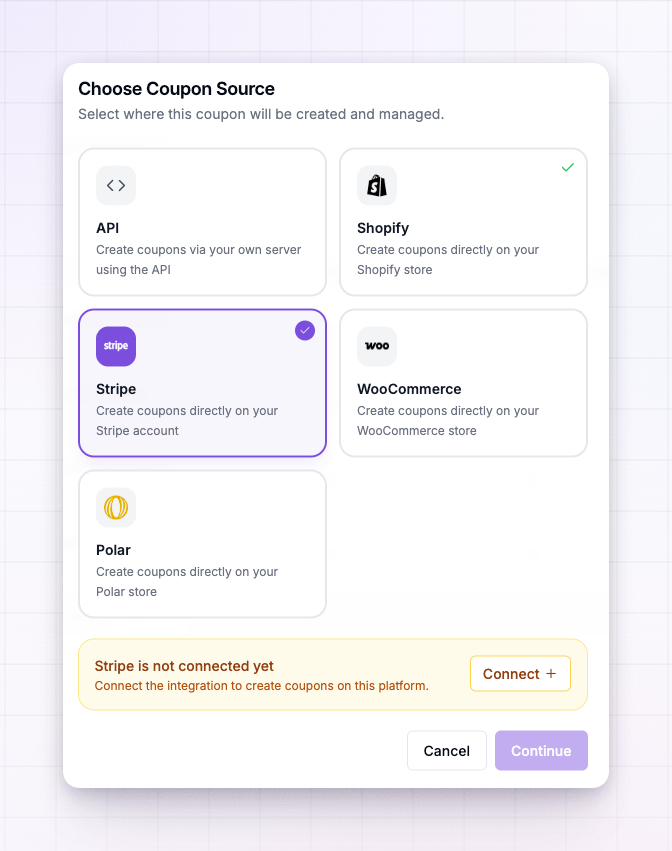 Select Connect to open that platform’s connection screen. It lists what connecting unlocks and gives you the button to link your account:
1
Start the connection
Select the connect button for your platform — for example Connect Stripe Account or Connect Shopify Store.
2
Authorise Referly
You’ll be taken to the platform to sign in and approve access. Once you approve, you’re returned to Referly and the source shows as Connected.
3
Create your first coupon
With the source connected, close the connection screen and continue to creating a coupon.
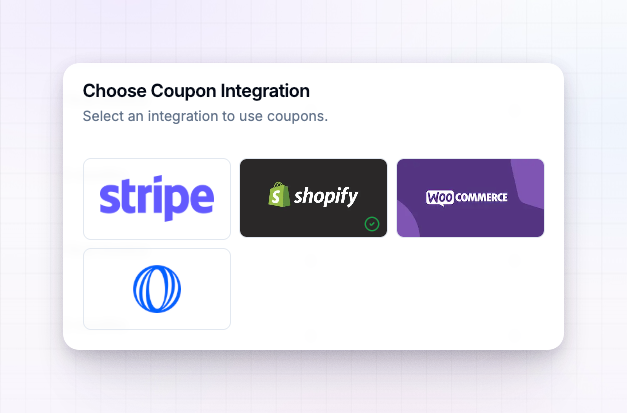
With Stripe you can also choose Connect Test Mode to link a test account first. Use this to try coupons end to end before you switch on real discounts.
After you connect
Once a source is connected you can:- Create a coupon that’s built on that platform for you.
- Sync coupons you already made on that platform into Referly.
Related
Sync coupons
Pull discount codes you already created into Referly.
Create a coupon
Build a new coupon on your connected platform.
Stripe integration
Full setup guide for connecting Stripe to Referly.
Shopify integration
Full setup guide for connecting your Shopify store.