

Preparing
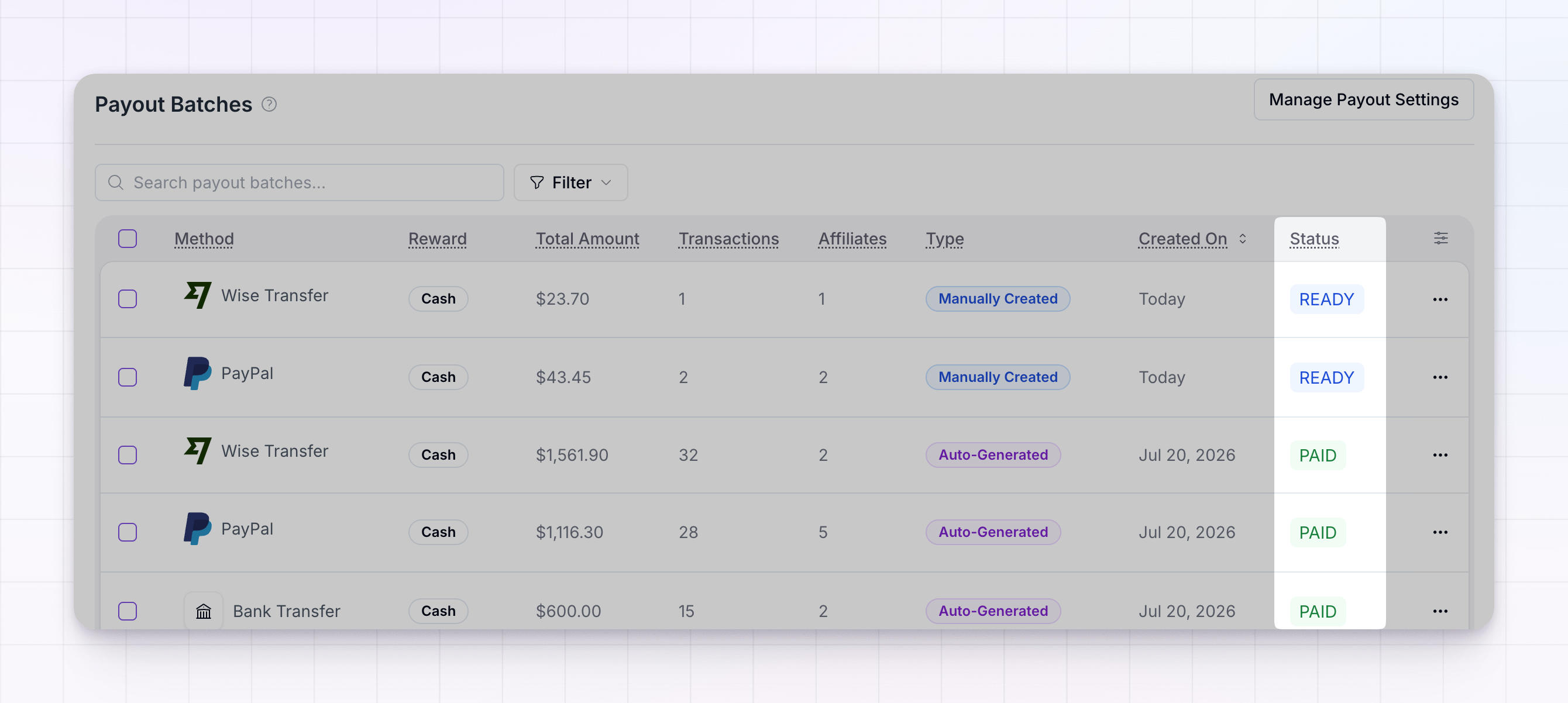
The batch is still open. Referly is collecting earnings, and transactions that become eligible will keep getting added to it. There’s nothing to do yet — wait for the batch to close before paying.Ready
The batch is closed and ready to be paid. Open it and select Pay Now (or Process Rewards for a non-cash batch) to send the payout. This is the main status that’s waiting on you.Waiting for payment
The batch is waiting for you to pay for it. Open the batch and complete the payment to move it forward.Needs integration
The batch is ready, but the payment method it uses isn’t connected yet. Connect that method — for example Wise or PayPal — and then pay the batch. Until you do, it can’t be sent.Charging
For a Referly Payouts batch this shows as Processing; for your own methods it shows as Charging. The payment has started and Referly is waiting for your bank or card payment to settle. Card payments clear immediately, while bank (ACH) payments can take up to four business days. No action is needed while it settles.Sent to Wise
For Wise batches, this is what processing looks like: the transfers have been sent to your Wise account. Log in to Wise to confirm and complete the payments there. You can also select View on Wise from inside the batch to jump straight to it.Sending to affiliate
Referly has received the funds and is now sending the payout to the affiliate’s bank account. This is an in-progress state — no action is needed.Paid
The batch is fully paid and complete. Affiliates have received their money or rewards. Paid batches can’t be deleted.Failed
Something went wrong and the batch didn’t complete. Hover the status (or open the batch) to see the specific reason, fix the cause, and select Retry Payout. See Failed payouts for the common reasons and how to resolve each one.No transactions
The batch was created but has no transactions to pay — usually because nothing was eligible when it ran. You can delete it; nothing is owed.Related
Payout batches
How batches are created, reviewed, and paid.
Failed payouts
Diagnose a failed batch and retry it.
Holding period and frequency
Control when a new batch starts preparing.
Payouts overview
See how the whole payout process fits together.