

From commission to payout
Every payout starts as a commission. When a referred customer signs up or buys, Referly records a commission for the affiliate. That commission has to clear two gates before it can be paid:- Approval — the commission is accepted, either automatically or after you review it, depending on the plan’s auto-approve setting.
- Holding period — an optional waiting time that keeps a commission out of payouts for a set number of days, giving you a window to handle refunds or chargebacks before the money goes out.
Two ways to run payouts
Referly gives you two ways to handle cash payouts, and you choose per program:- Manage payouts yourself — you connect Wise, PayPal, or collect bank details, and you send each payout using your own connected accounts. You also handle your own tax reporting.
- Let Referly handle your payouts — Referly pays your affiliates for you in 178 countries with tax-compliant invoicing. You add a payment method, and Referly charges you when payouts are due.
Payout methods
The payout method is how the money actually reaches an affiliate. Which ones you can use depends on the option above:- Wise and PayPal for direct cash transfers you send yourself.
- Manual bank transfer, where you collect bank details and pay each affiliate outside Referly.
- Referly Payouts, where Referly sends the money for you.
- Coupons and credits for non-cash rewards.
How payouts are grouped into batches
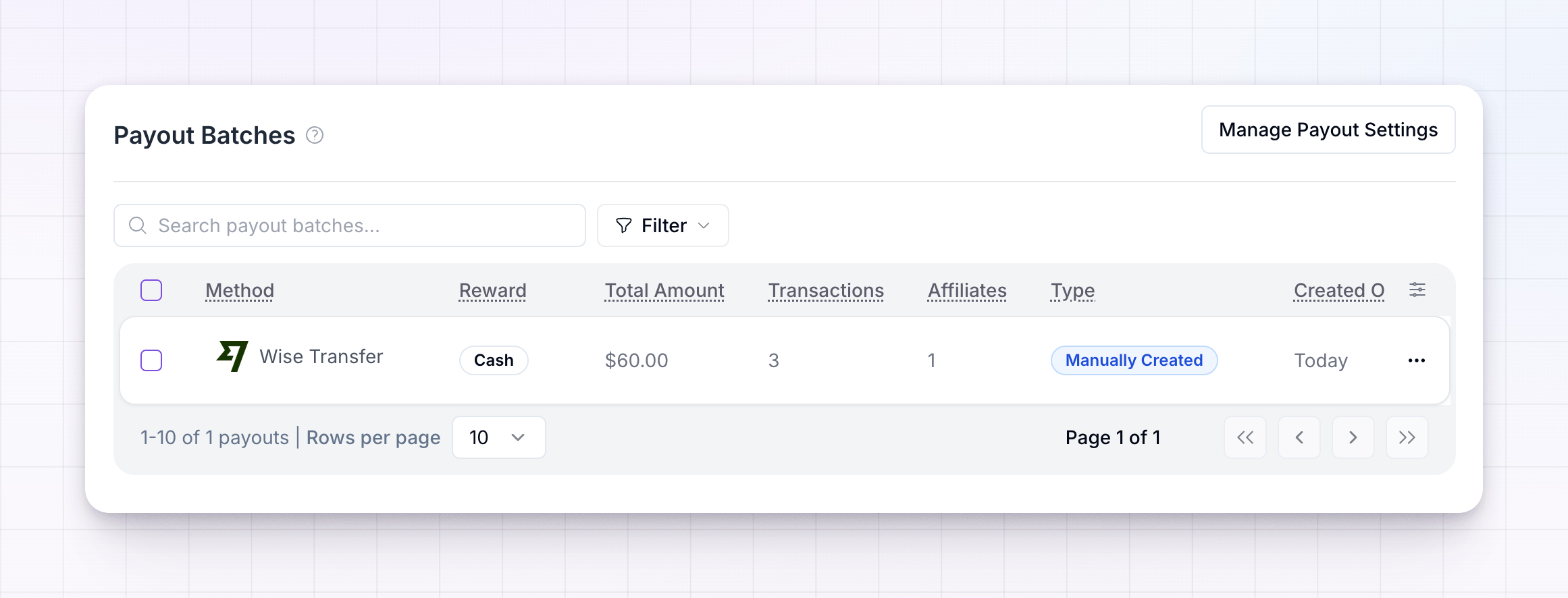
Referly doesn’t pay each commission one at a time. It collects all of an affiliate’s eligible earnings into a single payout for that affiliate, and groups every affiliate’s payout for a given run into a payout batch. A batch is what you review and pay. You can create batches on a schedule automatically, or make them yourself. Each batch moves through a series of statuses from the moment it’s created until it’s fully paid. Learn more in Payout batches and Payout batch statuses.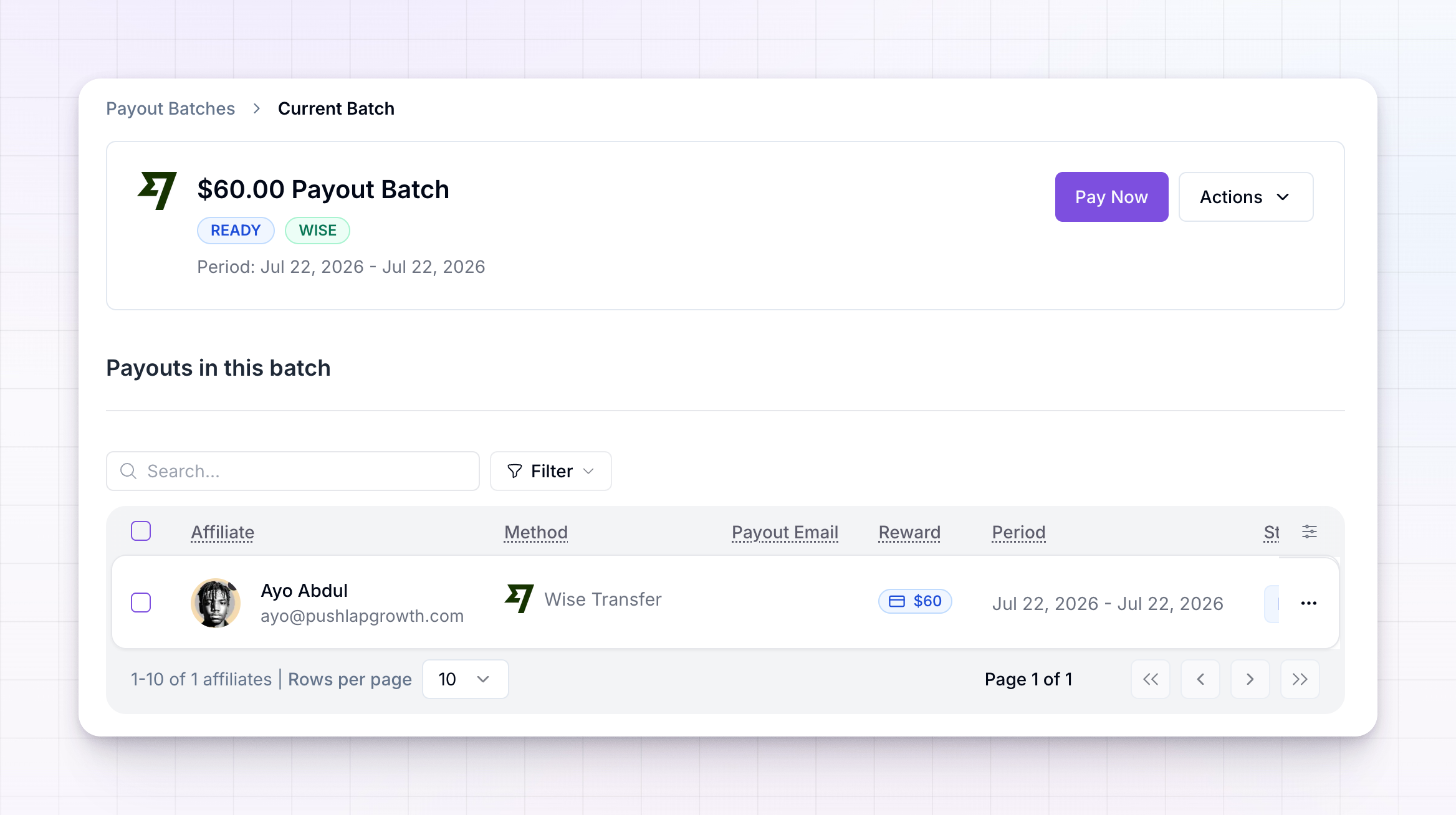
Set the rules that control payouts
A handful of settings decide when and how much you pay. You’ll find them under Program details → Payout settings:- Holding period and frequency — how long earnings are held, and how often a new batch is created.
- Minimum payout amount — the amount an affiliate must reach in cash before they’re included in a batch.
- Custom bank account fields — extra banking details to collect from affiliates paid by bank transfer.
Records, tax, and troubleshooting
Once payouts are running, a few more pages help you keep clean records and fix problems:- Export payouts — download a batch as a CSV, ready to upload to Wise or PayPal, or to keep for your records.
- Tax and invoices — set your legal entity details, generate self-billing invoices, and handle VAT.
- Failed payouts — find out why a payout didn’t go through and how to retry it.
Related
Self-managed vs Referly Payouts
Compare running payouts yourself against letting Referly pay affiliates for you.
Payout methods
See every way you can pay affiliates and how to connect each one.
Payout batches
Understand how earnings are grouped, reviewed, and paid.
Holding period and frequency
Choose how long earnings are held and how often affiliates are paid.