

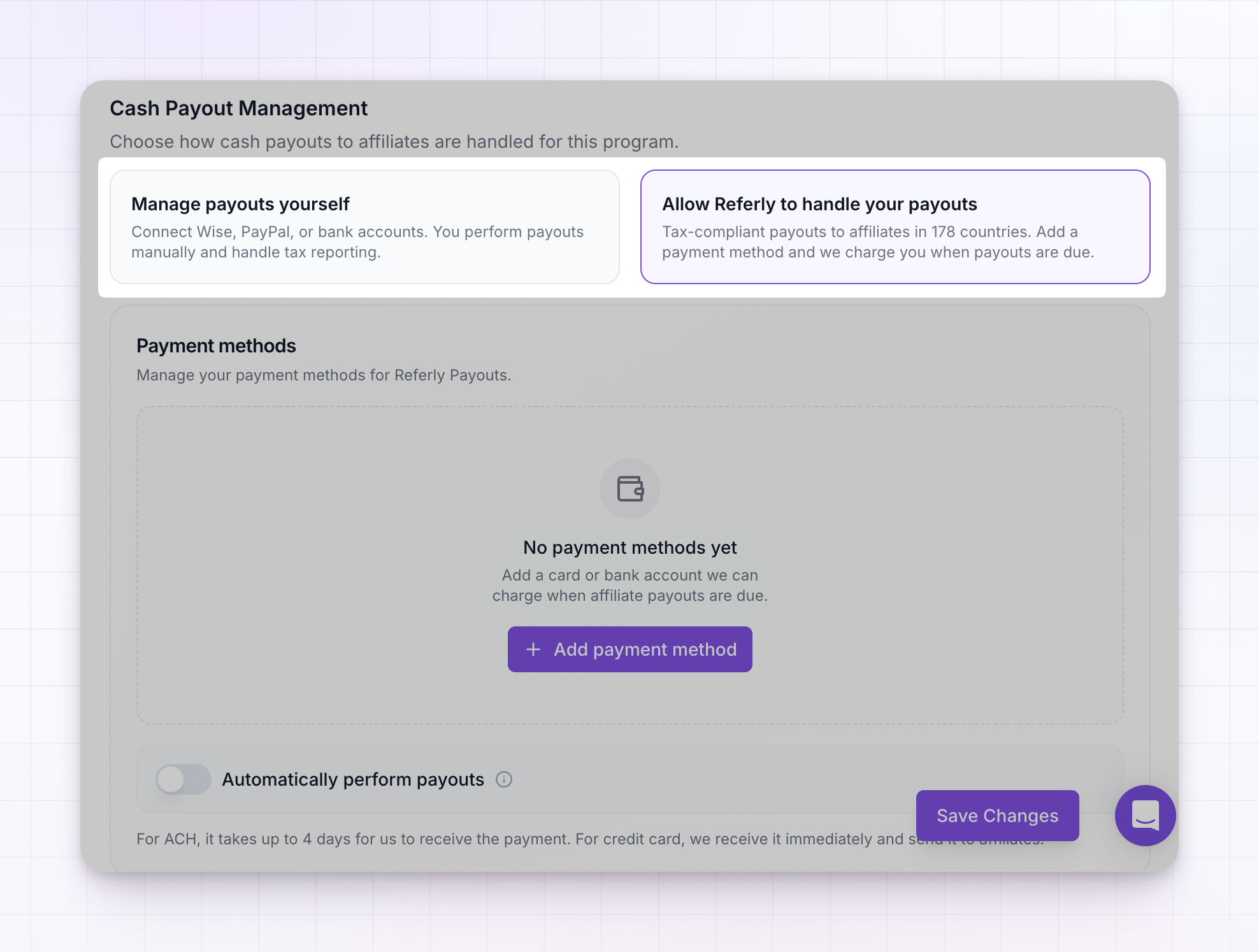
This choice only affects cash payouts. Non-cash rewards like coupons and credits are always delivered by Referly automatically, whichever option you choose.
Manage payouts yourself
With Manage payouts yourself, you stay in full control of the money. You connect your own payout accounts and send each payout using them.- You connect Wise or PayPal, or collect bank details from affiliates to pay them by transfer.
- When a payout batch is ready, you send it using your connected account, or export it and pay outside Referly.
- You’re responsible for your own tax reporting on those payments.
Let Referly handle your payouts
With Let Referly handle your payouts, Referly pays your affiliates for you. It sends tax-compliant payouts to affiliates in 178 countries, so you don’t have to manage individual transfers or worry about reaching affiliates in different regions. Here’s how it works:- You add a payment method — a card or a bank account — that Referly can charge.
- When a payout batch is due, Referly charges your payment method and sends the money to your affiliates.
- Each payout comes with a compliant invoice, so your records stay clean.
Add a payment method
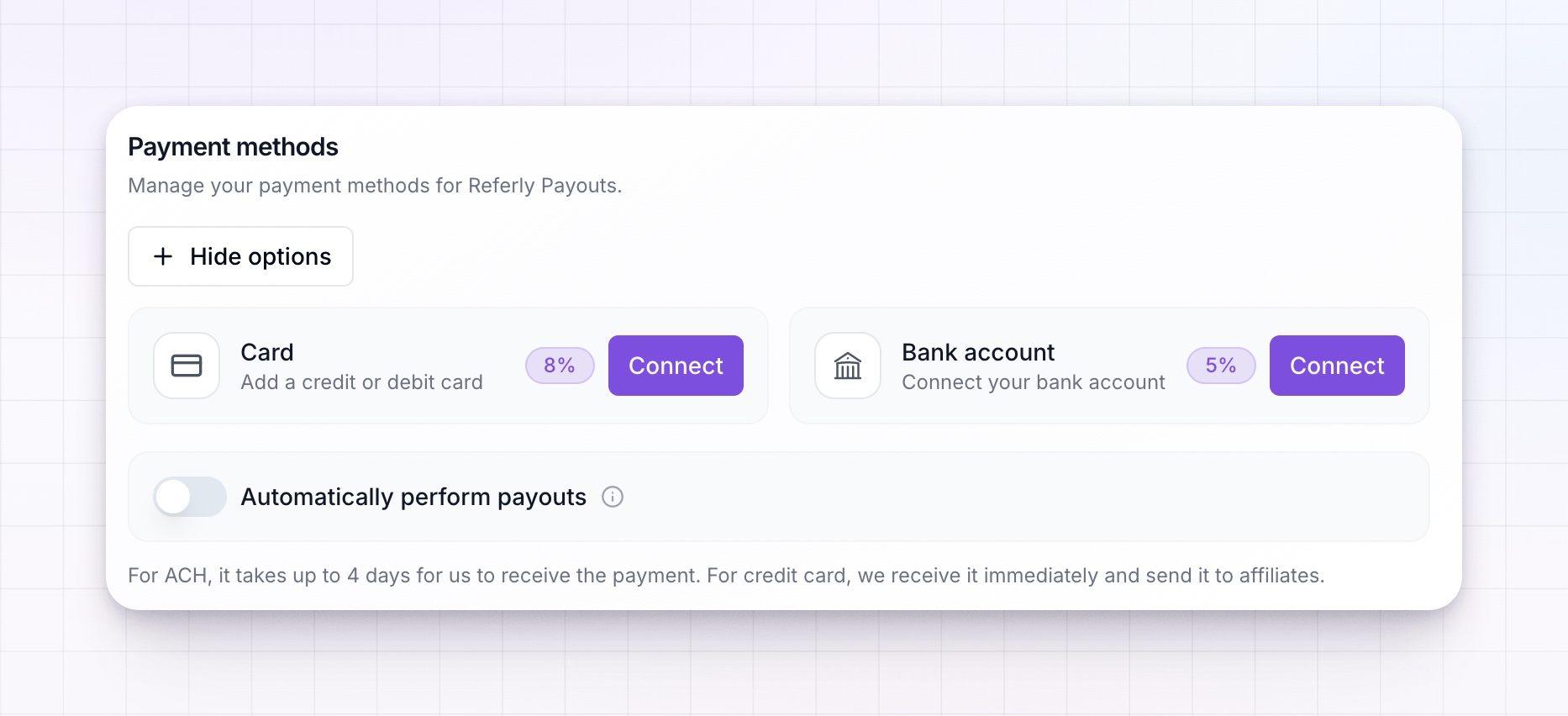
Under the Referly Payouts section, select Add payment method and choose either a card or a bank account, then connect it. Each method carries a small processing fee, shown next to it when you connect:- Bank account (ACH) has the lower fee.
- Card is charged immediately, so payouts go out faster.
Choose when payouts are sent
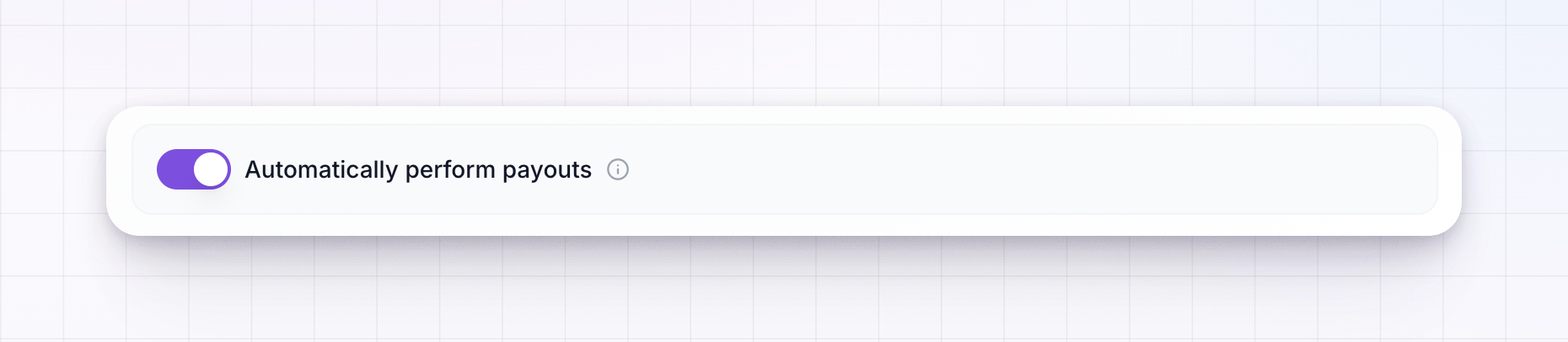
By default, a Referly Payouts batch waits for you to review and pay it. If you’d rather it run hands-free, turn on Automatically perform payouts. When that’s on, new batches are charged and sent to affiliates without you clicking Pay each time. Keep timing in mind when picking a method:- For ACH (bank), it takes up to four days for Referly to receive the payment before affiliates are paid.
- For card, the payment is received immediately and sent to affiliates right away.
If your program is managed by an agency, the agency may keep Referly Payouts turned off. In that case only Manage payouts yourself is available.
Which should you choose?
- Pick Manage payouts yourself if you want to use your existing Wise or PayPal account, keep full control of each transfer, and handle your own tax reporting.
- Pick Let Referly handle your payouts if you’d rather not manage transfers, want to reach affiliates in many countries easily, and want compliant invoices generated for you.
Related
Payout methods
Connect Wise, PayPal, or bank transfer for self-managed payouts.
Referly Payouts
A closer look at letting Referly pay your affiliates for you.
Payout batches
See how earnings are grouped, reviewed, and paid out.
Tax and invoices
Set your legal entity details and generate self-billing invoices.