

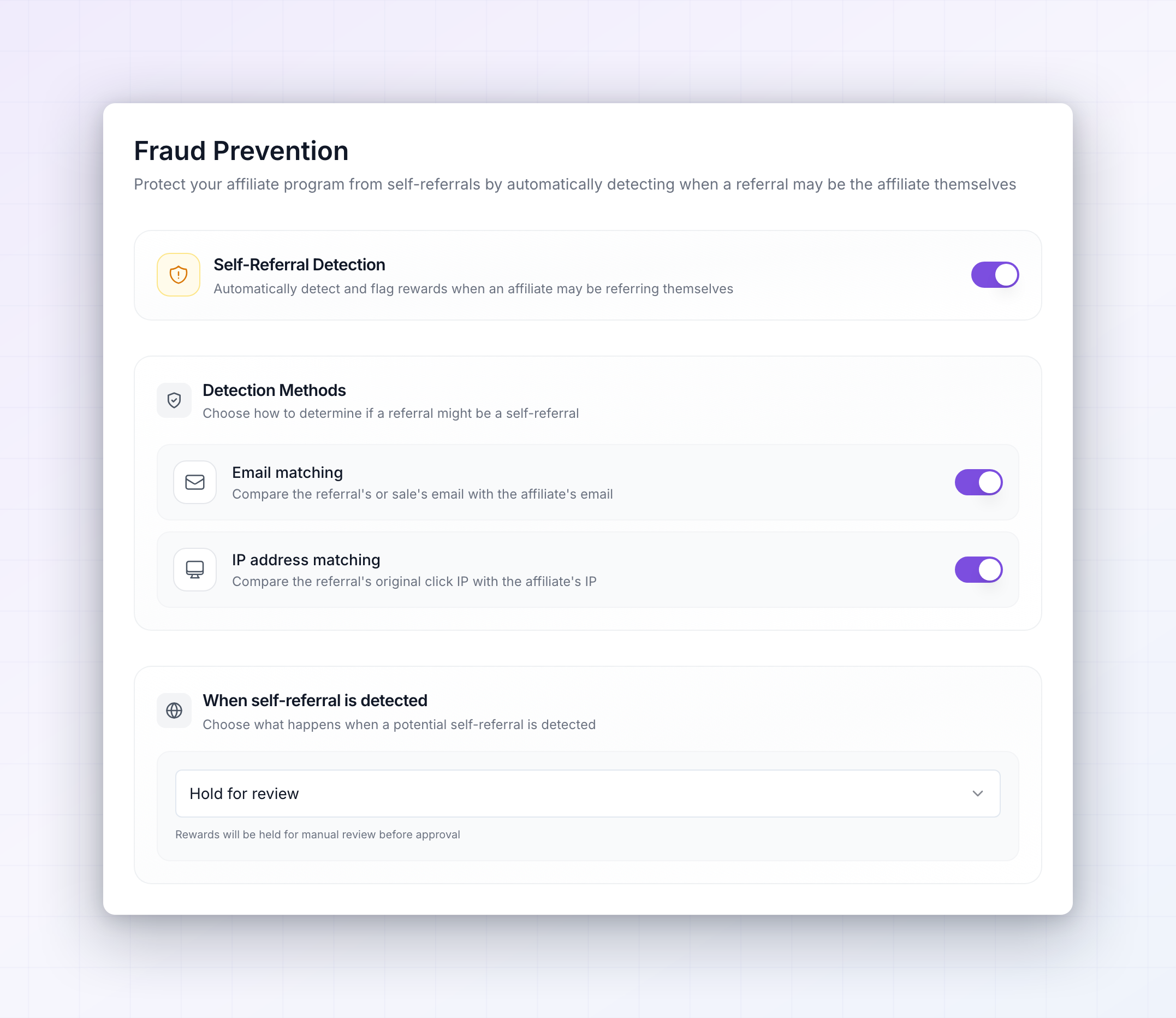
Turn on self-referral detection
The page opens with a single switch, Self-Referral Detection, described as “Automatically detect and flag rewards when an affiliate may be referring themselves”. It’s off until you turn it on, and the rest of the settings stay hidden until you do. Everything on this page saves the moment you change it — there’s no Save button to press. You’ll see Fraud prevention settings saved each time a change goes through.Choose how referrals are checked
Turning detection on reveals Detection Methods, with the instruction “Choose how to determine if a referral might be a self-referral”. There are two checks, and both are on by default: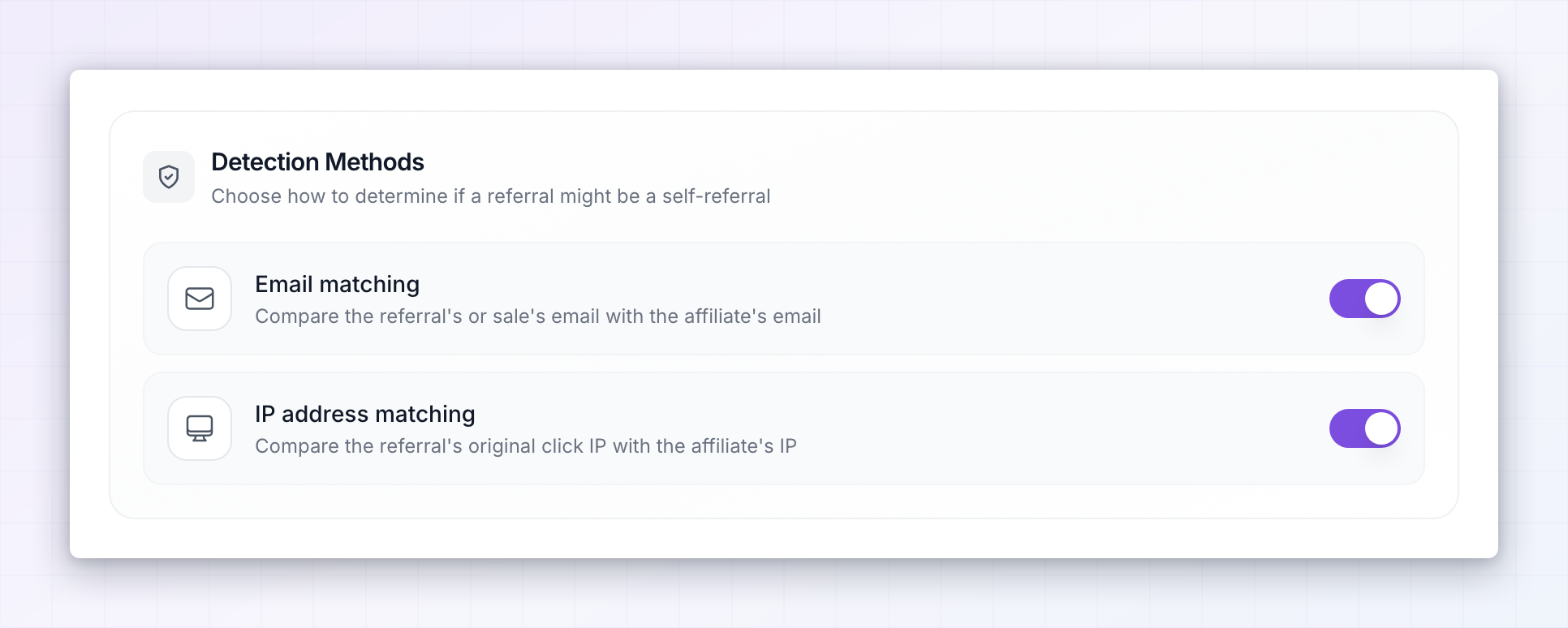
- Email matching — “Compare the referral’s or sale’s email with the affiliate’s email”. This catches the obvious case: an affiliate using their own email address to buy through their own link.
- IP address matching — “Compare the referral’s original click IP with the affiliate’s IP”. This catches the affiliate who signs up with a second email address but is sitting on the same internet connection.
Decide what happens when something is caught
When self-referral is detected controls the consequence. It’s a single dropdown with two options: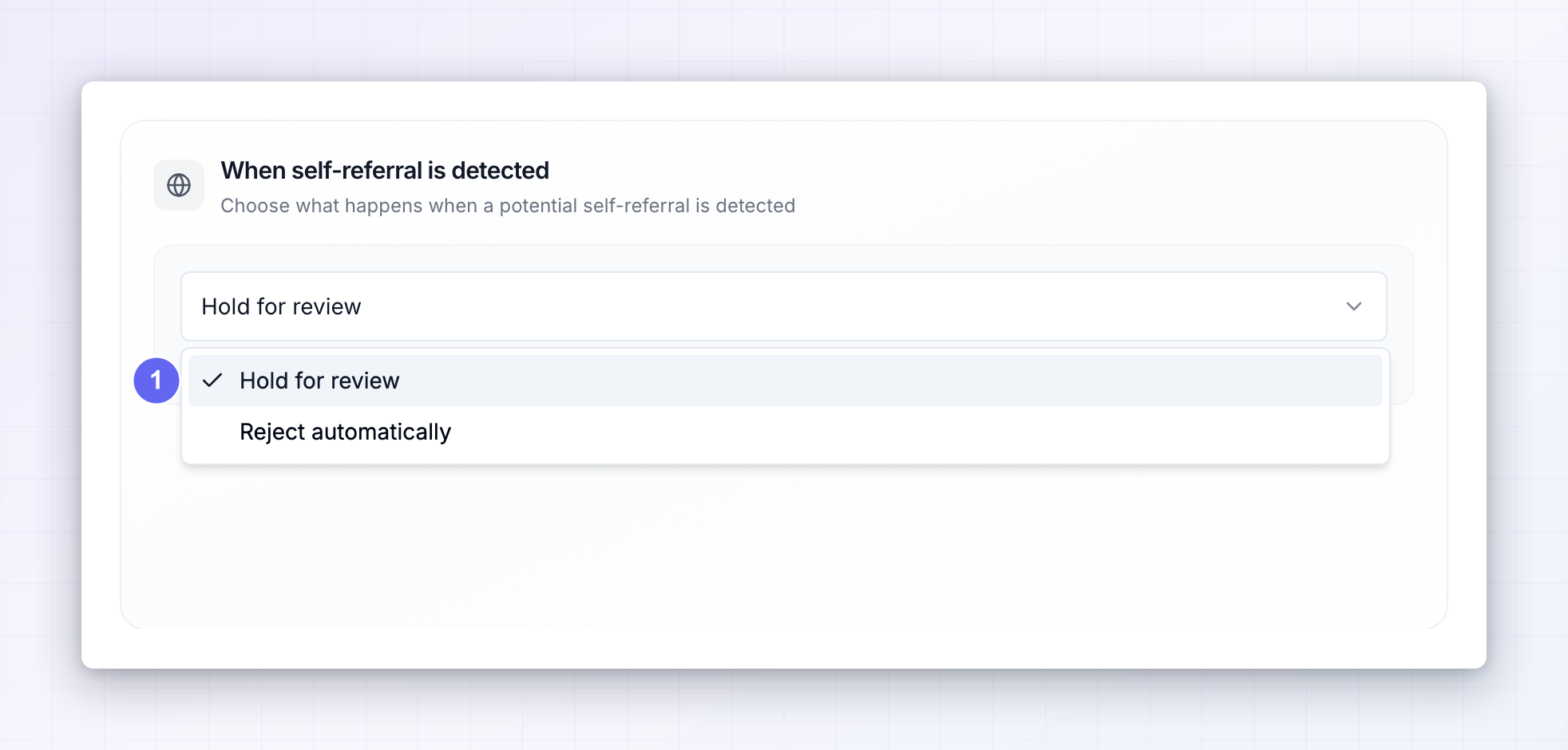
- Hold for review — “Rewards will be held for manual review before approval”. The reward waits for you to approve or reject it by hand. This is the default and the safer setting.
- Reject automatically — “Rewards will be automatically rejected when fraud is detected”. No queue, no decision to make.
What detection does and doesn’t do
Worth being clear about the scope, because it’s narrower than “fraud prevention” might suggest:- It acts on rewards, not on traffic. Nothing here blocks a click, a sign-up, or a purchase. The customer’s order goes through exactly as normal — it’s the affiliate’s commission that gets held or rejected.
- It only looks for self-referrals. These rules compare a referral against the affiliate’s own email and connection. They’re not a general-purpose fraud engine, and there are no blocklists, velocity limits, or country rules here.
- A hold overrides automatic approval. If your program approves rewards automatically, a reward flagged here still stops and waits for you. That’s the point — the check would be worthless otherwise.
Related
General program settings
Control whether affiliates and rewards are approved automatically.
Tracking methods
How referrals get attributed to an affiliate in the first place.
Payout settings
Use a holding period to protect against refunds and chargebacks.
Affiliate groups
Segment affiliates so trusted partners get different terms.