

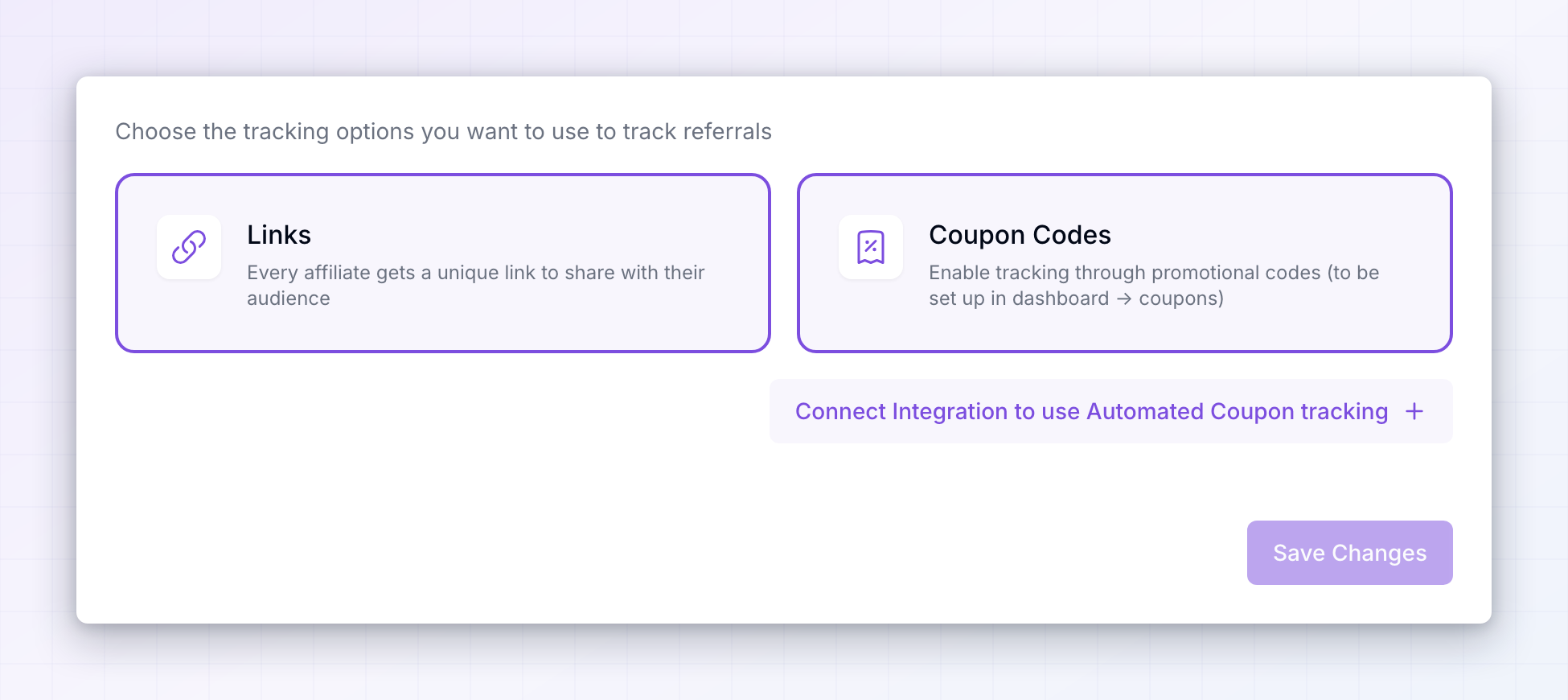
The two methods
Select a card to switch that method on, and select it again to switch it off. They aren’t mutually exclusive, and most programs are better off with both.Links
Links is described as “Every affiliate gets a unique link to share with their audience”. It’s on by default and it’s the backbone of nearly every program. Each affiliate gets their own link pointing at your landing page. When someone follows it, Referly remembers the referral so that a purchase later on is credited to the right affiliate — even if the customer doesn’t buy on that first visit. This is the method to keep on if you only keep one. Links work anywhere an affiliate can post a URL: a newsletter, a YouTube description, a blog post, a social bio.Coupon Codes
Coupon Codes is described as “Enable tracking through promotional codes (to be set up in dashboard -> coupons)”. Instead of following a link, the customer types a code at checkout and that code identifies the affiliate. Turn this on when links alone won’t reach your customers. A podcast host reads out a code because listeners can’t click anything. A creator on a platform that strips links still gets credited. And the discount attached to the code gives the customer a reason to use it, which is why coupon codes often convert better than a bare link. Switching this on here enables the method; you still create and assign the actual codes on your Coupons page.Use both
Turning both on is the usual setup, and it costs you nothing. An affiliate can share a link for the audience that clicks and a code for the audience that doesn’t, and you don’t have to guess in advance which one a given partner will lean on.You can’t turn both off. Removing your last method shows At least one tracking method is required — with neither, nothing could ever be attributed to an affiliate.
Connect a store for automatic coupon tracking
If you turn on Coupon Codes without a connected store or payment provider, a button appears reading Connect Integration to use Automated Coupon tracking.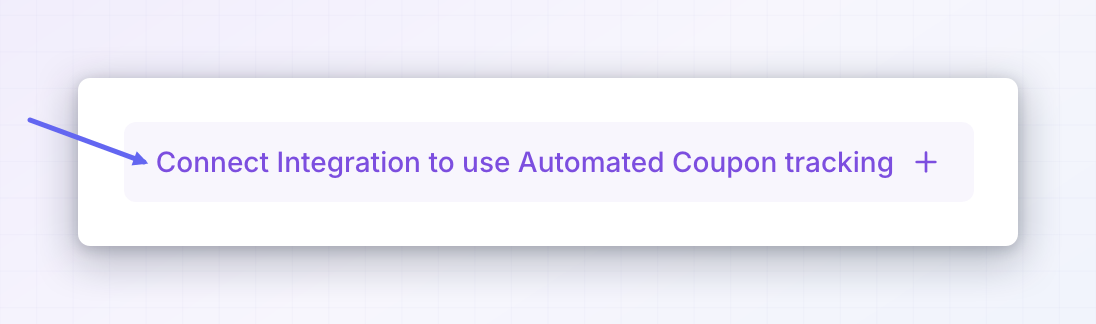 Referly needs that connection to see which code was used on an order. Connect Shopify, Stripe, WooCommerce, or Polar and coupon-based referrals are recorded on their own, the same way link referrals are. Selecting the button opens the connection flow.
Save
Changes wait until you select Save Changes at the bottom right — the button stays greyed out until you’ve actually changed something. You’ll see Tracking methods saved successfully when it goes through.What to check next
Choosing your methods is the first half of tracking. The other half is making sure each one records everything it should:- If your funnel spans more than one domain — for example a marketing site and a checkout on a separate domain — link referrals can get lost when the visitor crosses over. Cross-domain tracking keeps them attached.
- If you want affiliates to have tidier links to share, automated short links give everyone a branded short link automatically.
- Where links actually point is set by the landing pages in General program settings, along with the tracking parameter Referly adds to them.
Related
Cross-domain tracking
Keep attribution when visitors move between your domains.
Automated short links
Give every affiliate a short, branded link automatically.
General program settings
Set landing pages and the tracking parameter in your links.
Fraud prevention
Catch affiliates referring themselves through their own links.